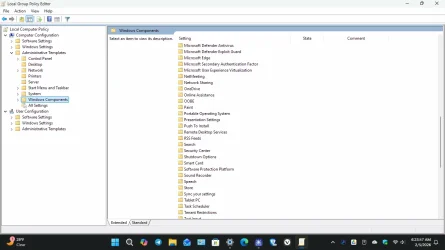
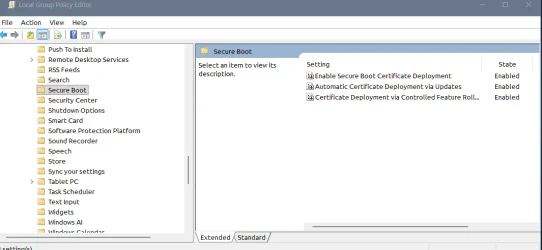
The GPO method is the same as fiddling with AvailableUpdates, in this case the policy sets the value to 0x5944 (add the CA 2023 certs, but do not revoke CA 2011).
GPO is the same as running:
You don't get anything different from the GPO method, unless you really don't like copying & pasting commands.
If it takes a while for WindowsUEFICA2023Capable to refresh, it won't move any faster using the GPO method.
GPO is the same as running:
Code:
reg add HKEY_LOCAL_MACHINE\SYSTEM\CurrentControlSet\Control\Secureboot /v AvailableUpdates /t REG_DWORD /d 0x5944 /f
powershell -C Start-ScheduledTask -TaskName "\Microsoft\Windows\PI\Secure-Boot-Update"
You don't get anything different from the GPO method, unless you really don't like copying & pasting commands.
If it takes a while for WindowsUEFICA2023Capable to refresh, it won't move any faster using the GPO method.
My Computer
At a glance
Windows 7
- OS
- Windows 7