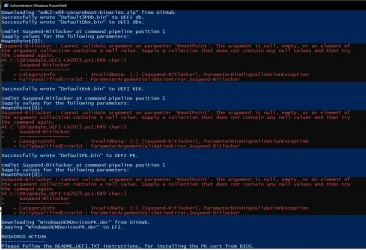
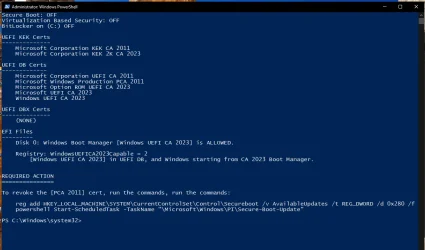
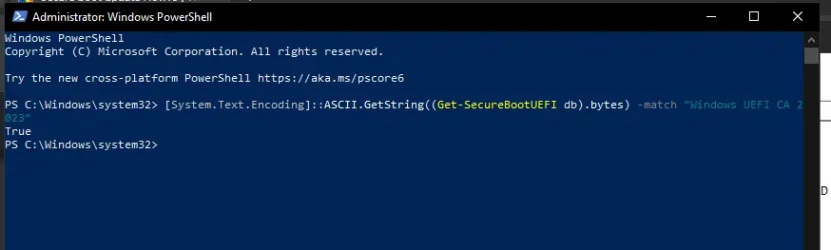
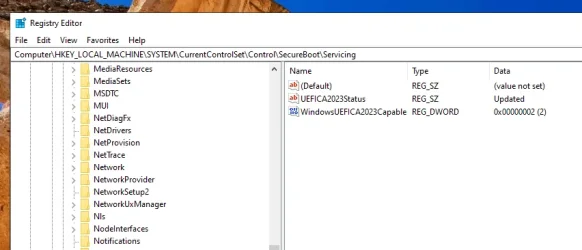
You're not following the instructions.
Reset All Keys -> Restores to factory defaults.
Delete All Keys -> No keys exist in UEFI.
We cannot use the manual key enrollment, because this Dell BIOS wants some weird signing format which we're not going to deal with. If I knew what format that is, I might handle it but unfortunately I don't know what it is, nor do I own a Dell of that vintage for testing.
1. Delete All Keys. Disable Secure Boot. Boot into Windows.
2. Run the upgrade script with no arguments. It'll should detect the PC is in Setup Mode. If you get the instructions to manually install the KEK CA 2023, then it's not really in Setup Mode.
Reset All Keys -> Restores to factory defaults.
Can't use it. We cannot add the Windows OEM Devices certs when the original certs are in place.
Delete All Keys -> No keys exist in UEFI.
We can run the upgrade script, which detects we're in Setup Mode (no certs).
We cannot use the manual key enrollment, because this Dell BIOS wants some weird signing format which we're not going to deal with. If I knew what format that is, I might handle it but unfortunately I don't know what it is, nor do I own a Dell of that vintage for testing.
1. Delete All Keys. Disable Secure Boot. Boot into Windows.
2. Run the upgrade script with no arguments. It'll should detect the PC is in Setup Mode. If you get the instructions to manually install the KEK CA 2023, then it's not really in Setup Mode.
My Computer
At a glance
Windows 7
- OS
- Windows 7