So I have a friend who owns a Huwawei laptop which has a touch screen + regular detachable keyboard.
In Windows, the virtual on screen keyboard layout for both English and Arabic are fine. But when he is in the lock scren where he needs to enter the password, the entires layout is inverted, like the ESC key is on the far top right not top left for example.
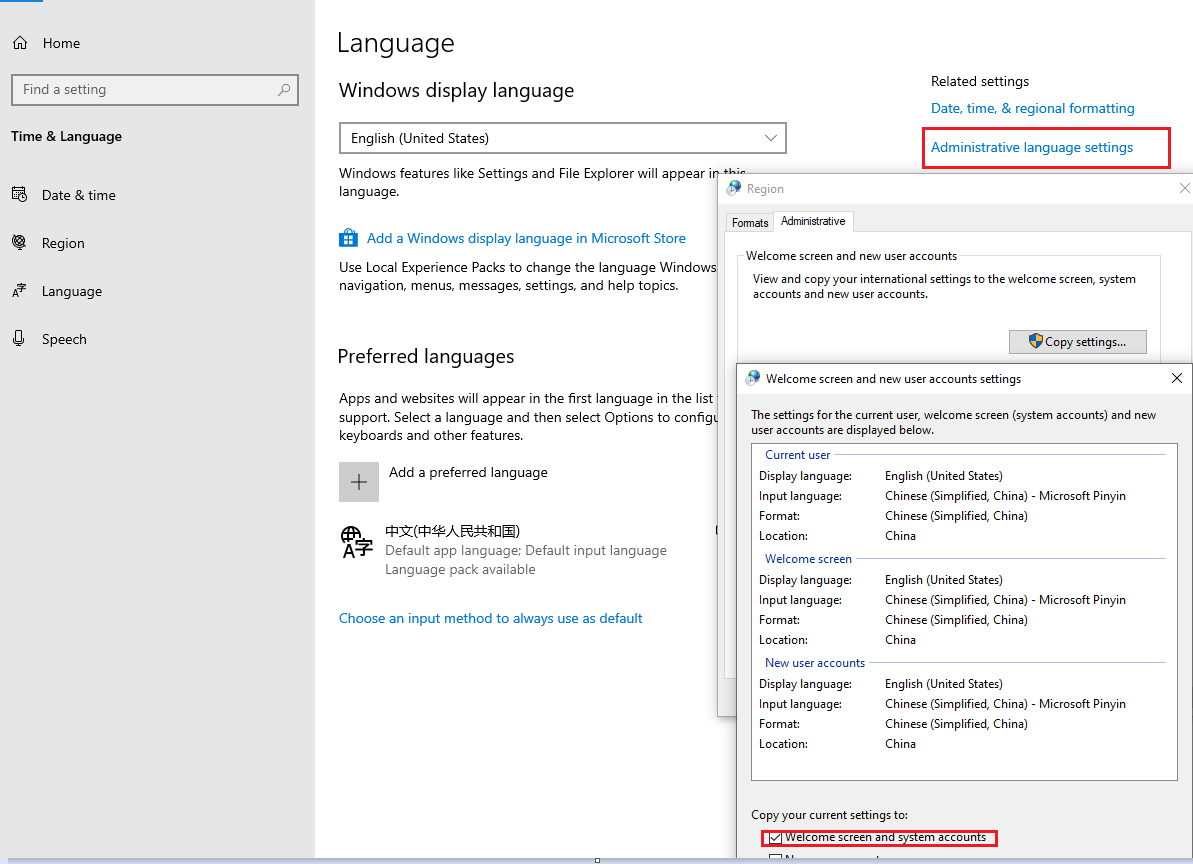
There is a language button on the bottom right in the lock screen and if you click it, you would find English (United States), Arabic (United Arab Emirates), and Arabic (Saudi Arabia) which I don't know where that came from, it doesn't appear in the languages under Settings > Time & Language > Language and Region
any ideas why the virtual keyboad is inverted only on the lock screen yet appears perfectly fine in Windows in any other app?
He is on the latest build of 22H2.

In Windows, the virtual on screen keyboard layout for both English and Arabic are fine. But when he is in the lock scren where he needs to enter the password, the entires layout is inverted, like the ESC key is on the far top right not top left for example.
There is a language button on the bottom right in the lock screen and if you click it, you would find English (United States), Arabic (United Arab Emirates), and Arabic (Saudi Arabia) which I don't know where that came from, it doesn't appear in the languages under Settings > Time & Language > Language and Region
any ideas why the virtual keyboad is inverted only on the lock screen yet appears perfectly fine in Windows in any other app?
He is on the latest build of 22H2.
Last edited:
My Computers
-
At a glance
Windows 11 ProIntel Core Ultra 9 386HSamsung 32GB LPDDR5X 8533 RAMGeForce RTX 5070 Ti 12GB GDDR7- OS
- Windows 11 Pro
- Computer type
- Laptop
- Manufacturer/Model
- ASUS ROG Zephyrus G14 GU405AR
- CPU
- Intel Core Ultra 9 386H
- Motherboard
- ASUS
- Memory
- Samsung 32GB LPDDR5X 8533 RAM
- Graphics Card(s)
- GeForce RTX 5070 Ti 12GB GDDR7
- Sound Card
- 4-speaker (dual-force woofer) system with Smart Amplifier Technology, 2 Tweeters
- Monitor(s) Displays
- INNOCN GA27T1M 27' 1440p 320Hz Mini-LED Monitor
- Screen Resolution
- QHD (2560x1440)
- Hard Drives
- Samsung 990 Pro 4TB SSD
- PSU
- Rectangle Conn, 250W AC Adapter
- Cooling
- Thermal Grizzly Conductonaut + IETS GT600 Cooling Pad
- Keyboard
- ROG Strix Scope II 96 RX Wireless
- Mouse
- ROG Chakram X Origin
- Internet Speed
- 1 GBPS Down / 921 MBPS Up
- Browser
- Google Chrome
-
At a glance
Windows 11 EducationAMD Ryzen 9 27016GB LPDDR5X 7500 RAMnVIDIA GeForce RTX 5050 8GB GDDR7- Operating System
- Windows 11 Education
- Computer type
- Laptop
- Manufacturer/Model
- ASUS ROG Zephyrus G14 GA403UH
- CPU
- AMD Ryzen 9 270
- Memory
- 16GB LPDDR5X 7500 RAM
- Graphics card(s)
- nVIDIA GeForce RTX 5050 8GB GDDR7
- Sound Card
- Realtek
- Monitor(s) Displays
- 14' ROG Nebula Display 3K OLED 120Hz
- Screen Resolution
- 2880 x 1800
- Hard Drives
- Samsung 990 PRO 4TB SSD
- PSU
- Rectangle Conn, 200W AC Adapter
- Cooling
- Thermal Grizzly Conductonaut
- Mouse
- ASUS ROG Chakram X Origin Gaming Mouse
- Internet Speed
- 1 GBPS Down / 875 MBPS Up
- Browser
- Google Chrome
- Antivirus
- AVG Internet Security