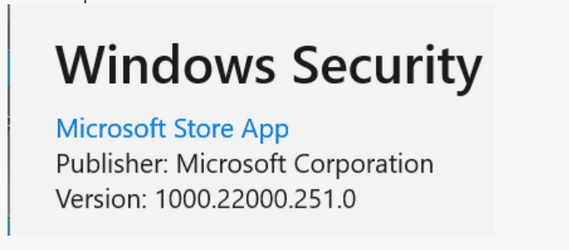
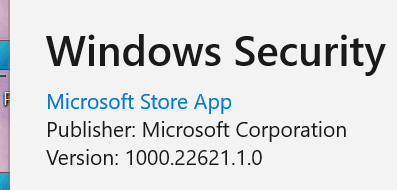
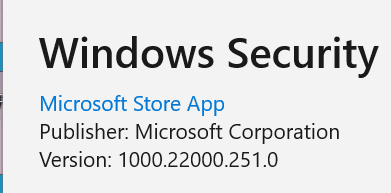
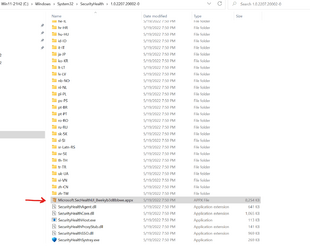
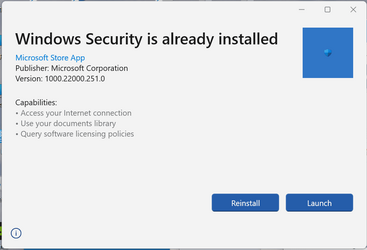
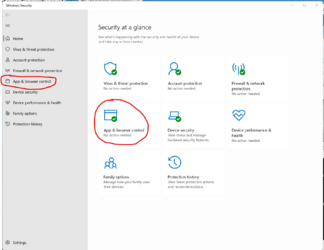
I think I tried that already, and it did not work for me, I had to delete that folder before upgrading to 22621.Just deleting that folder fixes the problem if you're already on 22621, no need to repair install
I'll give it another try anyway. Thanks.
My Computer
At a glance
Windows 11 Pro 25H2Intel I9-9900K64GBNVIDIA RTX 2060
- OS
- Windows 11 Pro 25H2
- Computer type
- PC/Desktop
- Manufacturer/Model
- Dell XPS 8930
- CPU
- Intel I9-9900K
- Memory
- 64GB
- Graphics Card(s)
- NVIDIA RTX 2060
- Sound Card
- NVIDIA High Definition Audio
- Monitor(s) Displays
- 4k Samsung
- Screen Resolution
- 3840 x 2160
- Hard Drives
- 512GB NVMe, ADATA SU 800, 2TB HDD





 Apple 13" Macbook Pro 2020 (m1)