Most definitely "Debloat". Maybe not to extreme levels of de-bloat (stripping down the Windows image - of all features deemed as bloat - including Windows Security or Windows update features - which are rather ambiguous this days) - but personally - i consider a common sense level of de-bloat rather necessary. For most part - you don't even need an extra tool, just.... patience - since most of it can be disabled from the Settings Menu - they even included the option to remove all kinds of windows features - using the default uninstaller (no need to remove them forcefully using PowerShell - as was the case for quite a long time). For example: Game Bar, Xbox, OneDrive, Remote Desktop, etc... can now be uninstalled safely with Windows integrated uninstaller. Which, obviously - will remove only the app - and not the embed features - like Game Bar Menu (from Gaming section) - but that too can be disabled/unticked. Same goes for OneDrive - you can uninstall it - but you'll still find its affiliation in any feature/app - where it's embed (like the Cloud related features or apps like Photos). Tho, accessing any of this features/apps - can now properly identify - that they've been uninstalled - and won't try to interact with them (waste resources tying to load something - that's not there anymore).
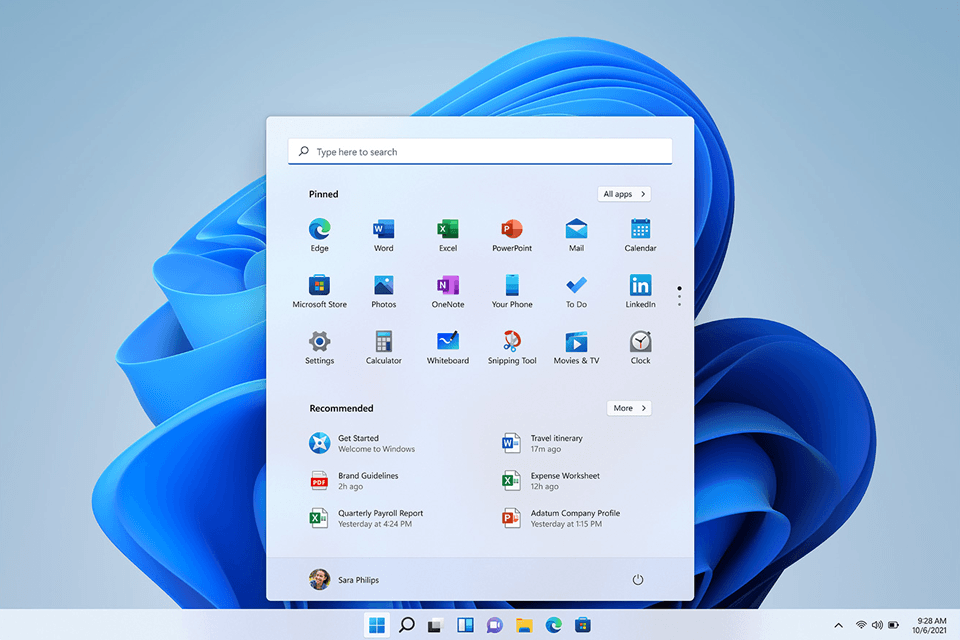
A fresh/clean install of Windows this days - is indeed in the worst state it has ever been... bloatware wise. Even before starting Windows - embed in the Lock Screen - you're already greeted by an embed web applet. Then in Windows - the Taskbar, the Start Menu - they're all
infected by similar corporate BS web apps/widgets - involving curated
news articles and nonsensical recommendations (common sense wise). So hey, i truly get the sentiment of every Windows 10 user - who did a clean install of Windows 11 - and felt a Windows 8 Metro Deja Vu while booting their freshly installed Windows...
...but, not the resolution...
As a company - Microsoft ideology is heavily into people pleasing (trying to please the share-holders - by including features which generate profit and also the OEM partners - by officially limiting Windows 11 support with the aim of compelling Windows 7 - 10 clients - into buying new hardware, trying to please both the newbs but also the power users - by offering options to disable a lot of features - one might dislike, they're even trying to please - specific Linux dystro users - by offering a dedicated feature for running a Linux dystro within Windows, and so on and so forth... ). My point is, as mentioned in the beginning.... Yes, a fresh install of Windows looks rather nasty this days - "but it's not locked in place (the macOS way of doing things), quite the opposite - you can de-bloat it really close to Windows 10 functionality. They're over-exaggerating - acting as if Windows 10 was more like Windows 2K/XP (far from that).

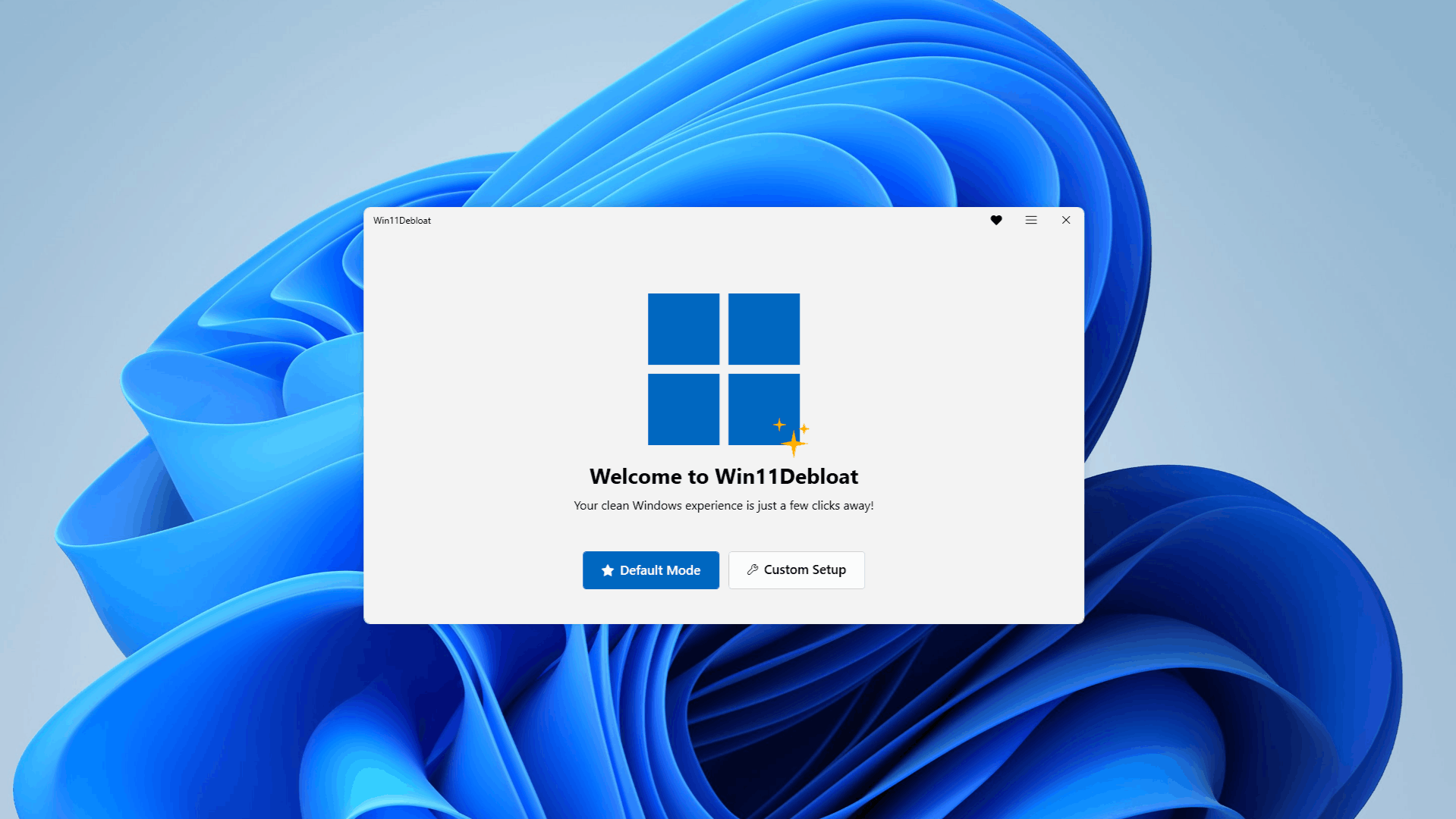
And sure. using third party tools like O&OShutUp or more complex - like
CrapFixer... works too (if you know what you're doing).

 github.com