- Local time
- 8:33 PM
- Posts
- 443
- OS
- Windows 11 Home, ver 25H2 build 26200.8894
It also still works if:FWIW, the appraserres trick still works for today's Dev build release. So far the only build that the old methods don't work for is the current Canary build.
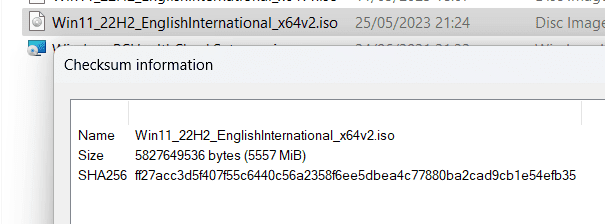
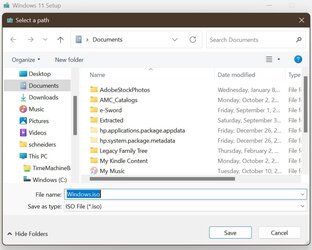
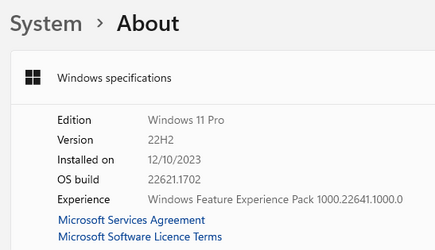
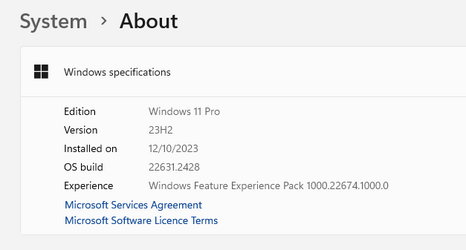
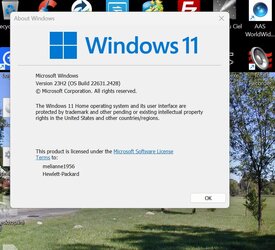
To get version 23H2 right now, go to Microsoft's link, the standard download page, go to "Create Windows 11 Installation Media" and download the file from there, being careful to select the ISO, not the option for use with a USB drive. You will then get an ISO called Windows.iso. Then do this:
1. create a folder on your desktop and name it anything you want, the name is irrelevant. Copy the ISO to this folder as you can't mount it until you copy it and work with the copy.
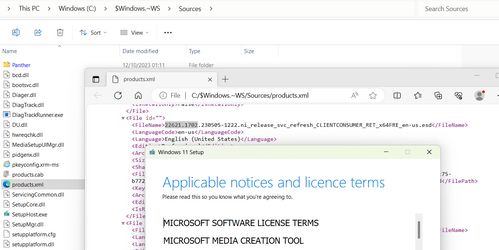
2. when it is done copying open the folder. Go to the Sources folder and you want to replace the appraiserres.dll file.
3. to create the file open any Notepad type program and I just type a few characters in a file and save it as appraiserres.dll (make sure it doesn't have a .txt extension added). Then replace the existing file in Sources with this new one.
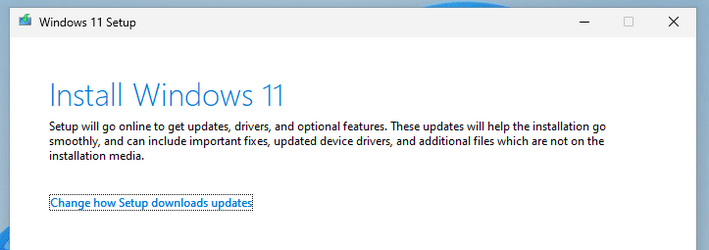
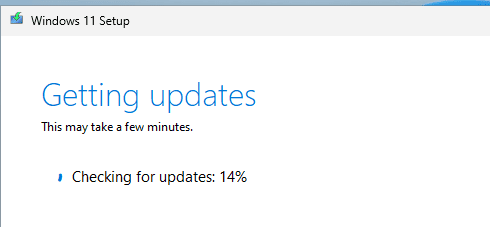
4. finally, run the Setup.exe file and you are on your way to an In-place Upgrade keeping your existing programs and settings.
Easy peasy.
John
My Computers
-
At a glance
Windows 11 Home, ver 25H2 build 26200.8894Intel Core i5 5200U @ 2.20GH4 GBIntel HD Graphics 5500 on board- OS
- Windows 11 Home, ver 25H2 build 26200.8894
- Computer type
- Laptop
- Manufacturer/Model
- Hewlett-Packard Spectre 13-4001 x360 convertable
- CPU
- Intel Core i5 5200U @ 2.20GH
- Motherboard
- Hewlett-Packard 802D
- Memory
- 4 GB
- Graphics Card(s)
- Intel HD Graphics 5500 on board
- Sound Card
- Intel Smart Sound Technology (Intel SST)
- Hard Drives
- Micron 256GB M.2 2280 NGFF SSD MTFDDAV256TBN, (SATA 6.0 Gb/s)
- Keyboard
- Model # G01KB
- Antivirus
- Microsoft Defender
- Other Info
- born on date: 25 Feb 2016
-
At a glance
Win 11 Home 25H2 build 26200.8894Intel Core i7 4th Gen 4790 (3.60GHz), Haswell...Samsung 16 GB DDR3 (8GB in 2 modules)NVIDIA GeForce GTX 760, 3GB, and on-board Int...- Operating System
- Win 11 Home 25H2 build 26200.8894
- Computer type
- PC/Desktop
- Manufacturer/Model
- Asus Desktop model M32AD-US019S (DOM: 6/9/2014 )
- CPU
- Intel Core i7 4th Gen 4790 (3.60GHz), Haswell 22nm Technology, SOCKET 1150
- Motherboard
- H81M-E/M51AD/DP_MB
- Memory
- Samsung 16 GB DDR3 (8GB in 2 modules)
- Graphics card(s)
- NVIDIA GeForce GTX 760, 3GB, and on-board Intel HD Graphics 4600 Rev 6
- Monitor(s) Displays
- HP EliteDisplay E241i LED; HP EliteDisplay E243
- Hard Drives
- Samsung 500GB SSD, 870 EVO (SATA 6.0 )
Micron 250GB SSD, CT250MX500
Toshiba HDD, 3GB (original drive w/PC)
- Case
- ASUS
- Keyboard
- ASUS-------------------------
- Antivirus
- MS Defender
- Other Info
- purchased 8/28/2015 from Newegg.
-
HEWLETT PACKARD
HP OmniBook X Flip NGAI (Next Gen AI),
Model: 16-as0023dx
PT# B5UH1UA#ABA Product #: B5UH1UA
delivered and setup 7/25/25
16" 2K Touch-Screen Laptop
Intel Core Ultra 7 256V '24 Series 2 - CPU
Boost Clock Frequency 4.8 gigahertz; Neural Processing Unit (NPU) Yes;
16GB Memory, LPDDR5X
1TB SSD PCIe 4.0
Graphics: Intel Arc 140V
1 x HDMI 2.1
1 x Thunderbolt 4
2K Touch-Screen display, LED, IPS; 1920 x 1200 (Full HD+)
USB Ports: 1 x USB-C 3.1, 2 x USB-A 3.1
Wi-Fi 6E
DELL
Model:I7591-7483BLK-PUS 2-in-1 (7000 Series)
purchased new 12/3/2019,
15.6 inch 2-IN-1;
4K Ultra HD Touch-Screen, 3840 x 2160,
Intel Core i7 10510U CPU 1.80GHz,
16GB RAM DDR4 SDRAM 2400 megahert (2 slots),
dedicated graphics Nvidia GeForce MX250 2 GB Graphics,
PCIe 512GB Intel SSD + 32GB Optane Memory (Intel Optane Memory H10 with solid-state storage),
wireless-AX & Bluetooth
Battery: 68wh, Type 4VGMP 4 cell