- Local time
- 11:17 AM
- Posts
- 33
- OS
- Windows 11 Pro Insider Preview Dev
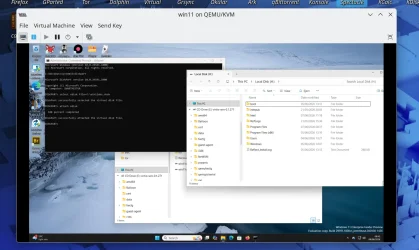
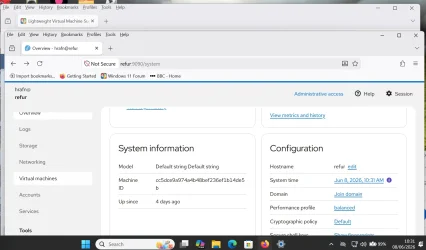
Well, since qemu is cross-compatible, it's lighter weight than VirtualBox, I really hoped someone could recommend a good GUI to control QEMU from Windows. Instead, I keep getting asked to repeat the same exact thing over and over and over again. It gets frustrating having to repeat the same thing over and over because people choose not to read the thread.Ok then do that?
My Computer
At a glance
Windows 11 Pro Insider Preview DevAMD Ryzen 5 2600xCorsair DDR4-2132AMD B550
- OS
- Windows 11 Pro Insider Preview Dev
- Computer type
- PC/Desktop
- CPU
- AMD Ryzen 5 2600x
- Motherboard
- MSI MPG B550 GAMING EDGE WIFI
- Memory
- Corsair DDR4-2132
- Graphics Card(s)
- AMD B550
- Monitor(s) Displays
- Spectere C24


 or if solving it by running QEMU under WSL