StartAllBack


StartAllBack: Windows 11 from better timeline​

​
Get the latest version here Download ​

​

Embrace, enhance, unsweep classic UI from under the rug​

Restore and improve taskbar​

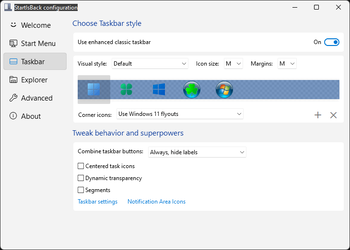
  • Show labels on task icons
  • Adjust icon size and margins
  • Move taskbar to top, left or right edges
  • Drag and drop stuff onto taskbar
  • Center task icons but keep Start button on the left
  • Split into segments, use dynamic translucency
  • Separate corner icons with Windows 7/10 UI
  • Auto-hide when covered by maximized window

Restore and improve File Explorer and Control Panel​

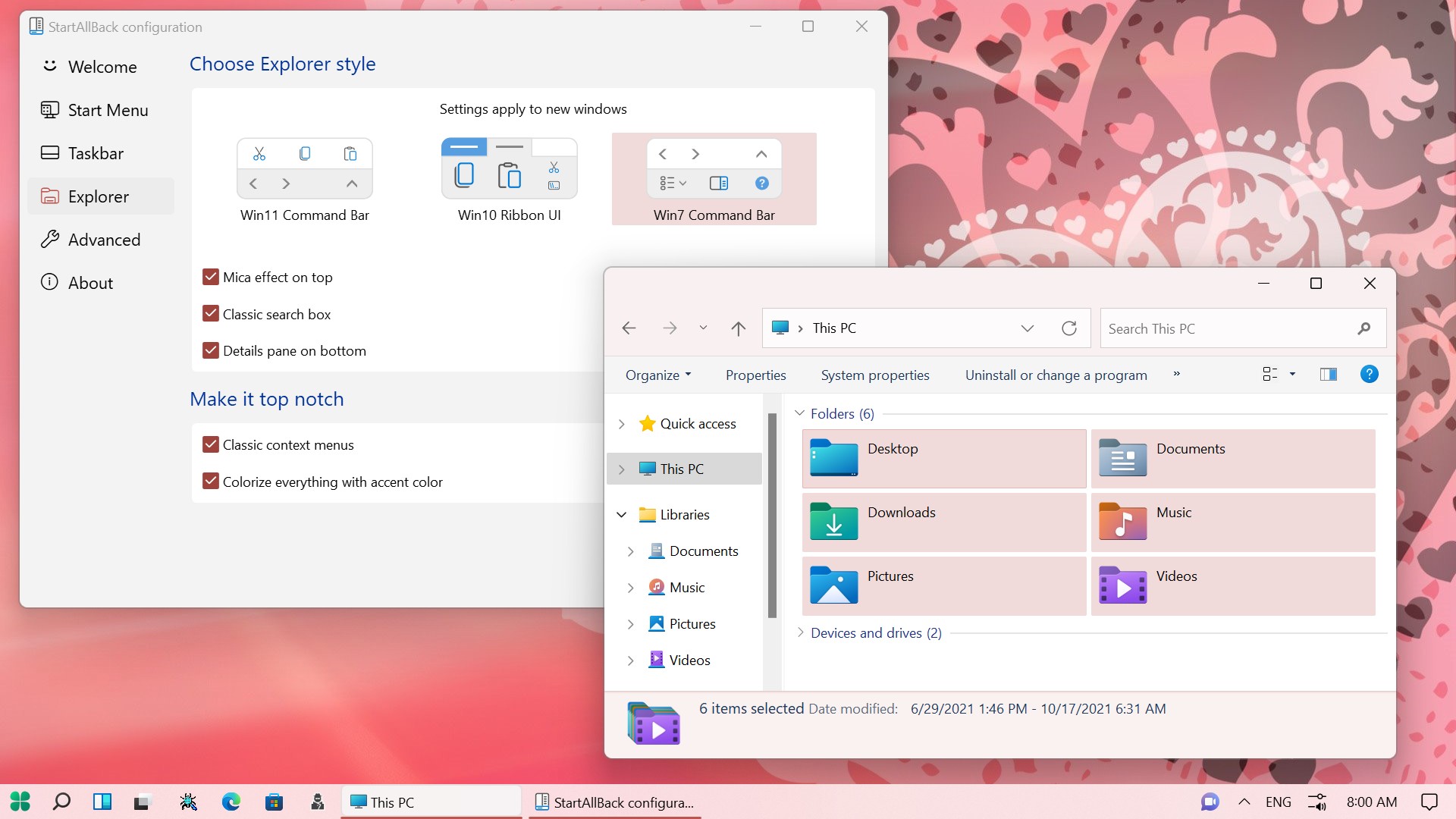
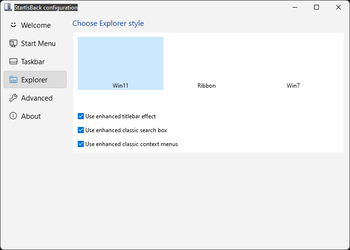
  • Ribbon and Command Bar revamped with translucent effects
  • Details pane on bottom
  • Old search box (the one which works)
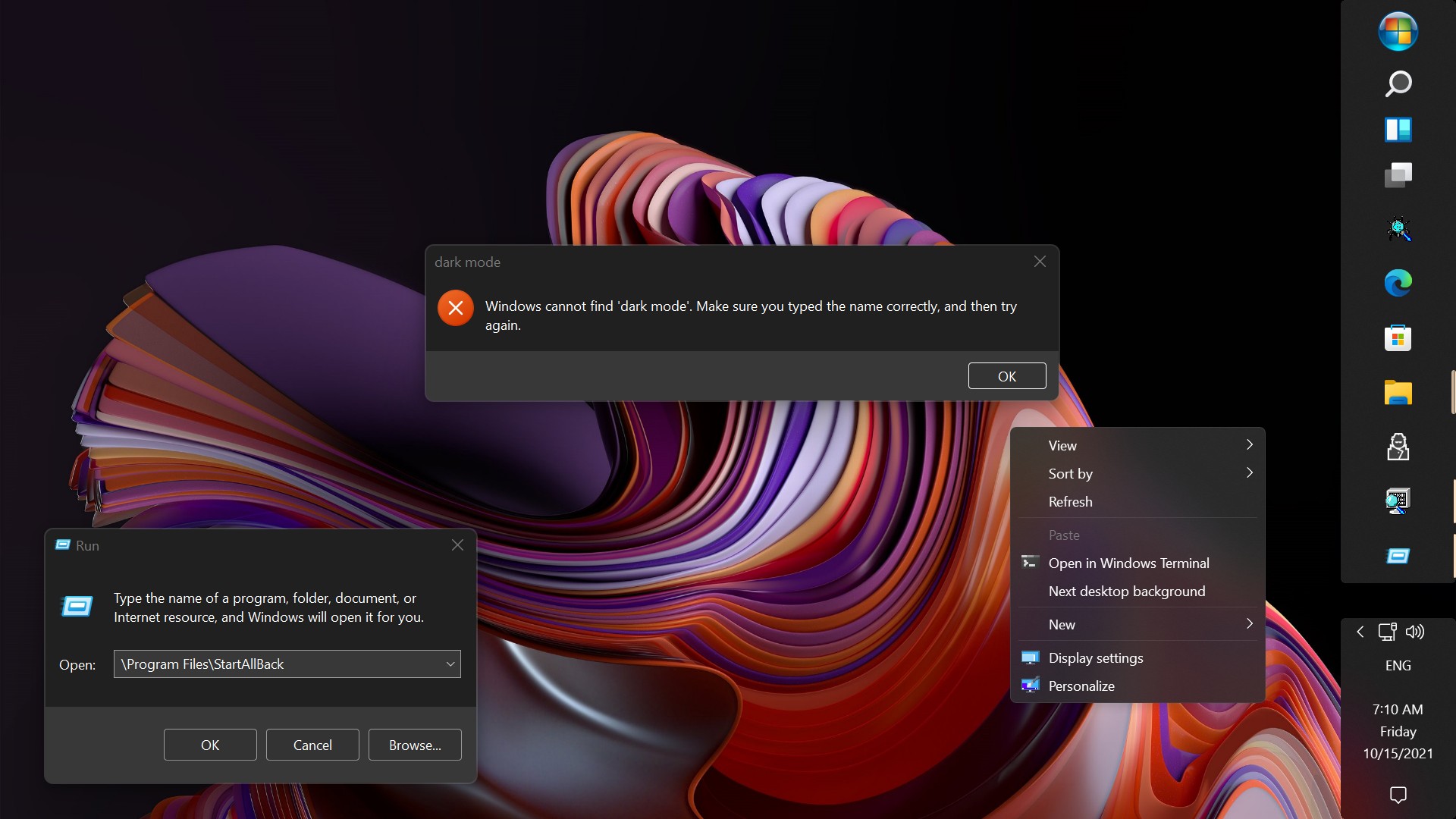
  • Dark mode support for more dialogs

Restore and improve context menus​

  • All new look with rounded acrylic menus
  • Fast and responsive taskbar menus
  • New fonts, better touch support

Restore and improve start menu​

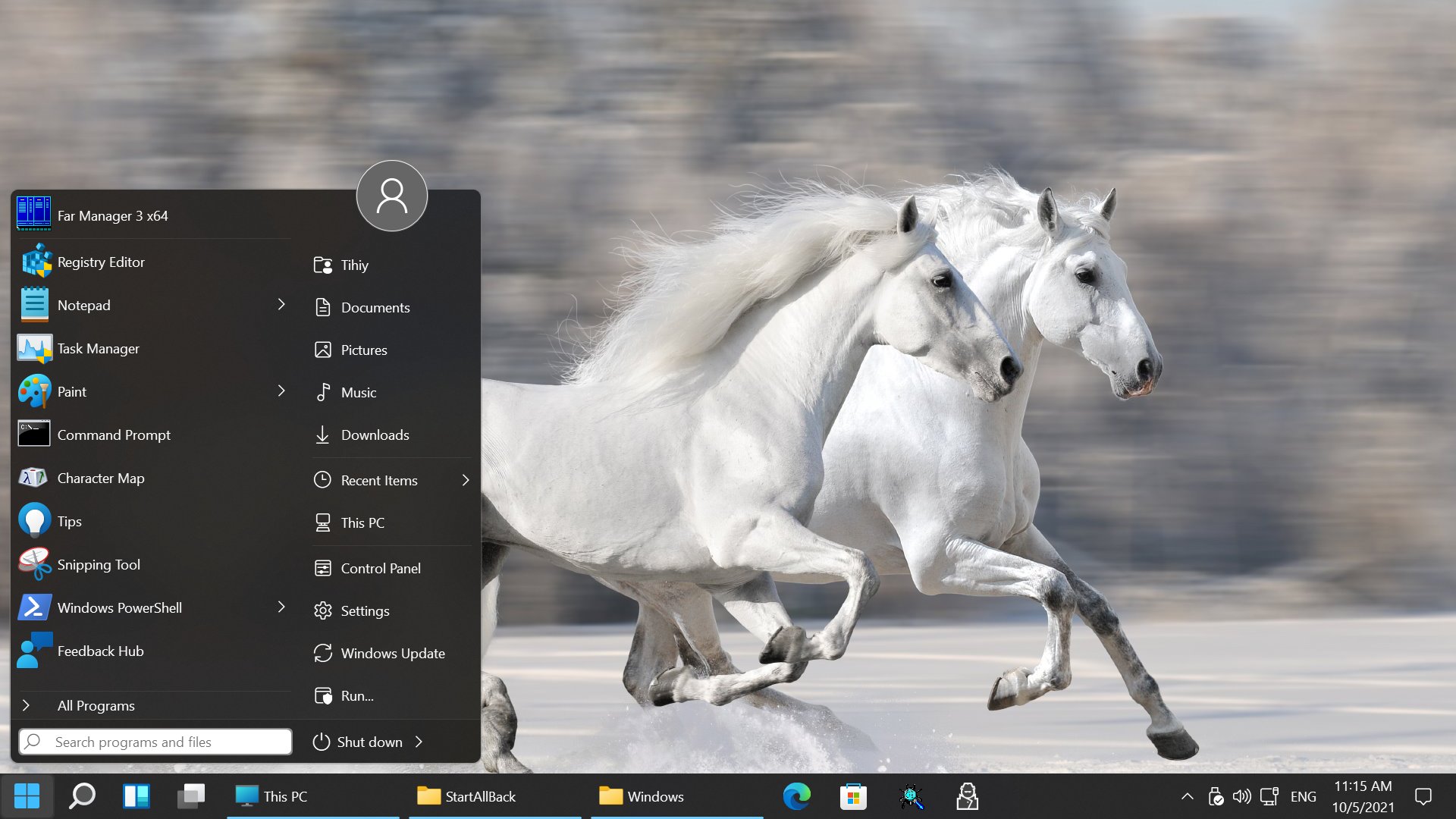
  • Launch apps and go to system places in one click
  • Navigate dropdown menus like a boss
  • Enjoy fast and reliable search

Finally, lightweight styling and UI consistency​

  • Enjoy Windows 7, Windows 8 and third-party taskbar and start menu styles
  • Fix UI inconsistencies in Win32 apps
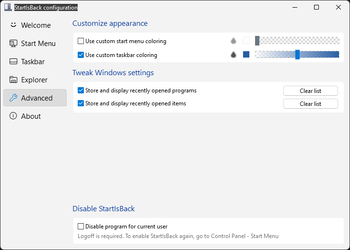
  • Don't be blue: recolor UI in all windows apps
  • Negative resource usage: fewer RAM used, fewer processes started, faster startup


StartAllBack For Windows 11 has been released.
It's an RC release. I haven't tested it yet as I have Start11 installed.

Edit: I have now tested it. It's working quite well.
Apart from a great start menu, you can also have the Enhanced Classic Taskbar back.
This means (for example) that you can have an uncombined and unlocked Taskbar.
You will now also be able to enhance the Taskbar clock using T-Clock Redux or similar.
T-Clock Redux Tray Clock_.png


You can also change Windows Explorer to Ribbon UI or Simple UI.

You can get it Download


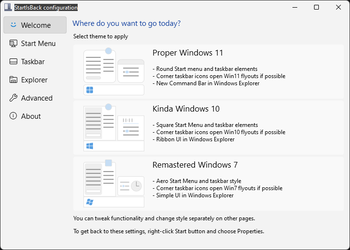
01 - Welcome.png
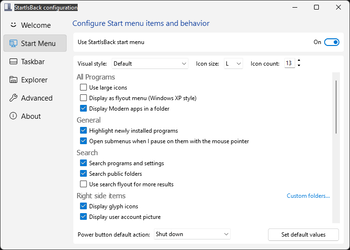
02 - Start Menu.png
04 - Taskbar.png
05 - Explorer.png
06 - Advanced.png
Get
 
I do not want to disable StartAllBack completely - just revert back to the stock Windows 11 context menu.
Oh sh*t! My bad! Settings/Explorer uncheck Classic context menus. Sorry bout that!
 

My Computers My Computers

  • At a glance

    Windows 11 Pro
    OS
    Windows 11 Pro
    Computer type
    PC/Desktop
    Manufacturer/Model
    ASUS ROG Strix
  • At a glance

    Windows 11 Pro
    Operating System
    Windows 11 Pro
    Computer type
    Laptop
    Manufacturer/Model
    ASUS VivoBook
  • ASUS VivoBook 'Lite' ~ Windows 11 Home
Oh sh*t! My bad! Settings/Explorer uncheck Classic context menus. Sorry bout that!
Odd, I have tried that.

I unticked it then use Task Manager to restart Windows Explorer but it is still showing the classic context menus.

Restarting my PC did not help, either.

I wonder if I altered the registry 🤔 I will investigate further.

EDIT: Yep, I must have. Pasting the following into Terminal then restarting Windows Explorer did the trick: reg.exe delete "HKCU\Software\Classes\CLSID\{86ca1aa0-34aa-4e8b-a509-50c905bae2a2}" /f
 

My Computer My Computer

At a glance

Windows 11AMD Ryzen 7 7800X3D32 GB DDR5-6000AMD Radeon RX 9070 XT
OS
Windows 11
Computer type
PC/Desktop
CPU
AMD Ryzen 7 7800X3D
Motherboard
ASRock B650M Pro RS
Memory
32 GB DDR5-6000
Graphics Card(s)
AMD Radeon RX 9070 XT
Monitor(s) Displays
42" LG C4 OLED, 42" LG C2 OLED
Screen Resolution
2x 3840×2160 (100% scaling)
PSU
Corsair RM850x
Case
Cooler Master MasterBox NR400
Keyboard
8BitDo Retro Mechanical Keyboard (C64 Edition)
Mouse
Logitech G309
Internet Speed
1 Gbps down, 1 Gbps up
Browser
Google Chrome
I do not want to disable StartAllBack completely - just revert back to the stock Windows 11 context menu.
Could this not be what you're after? That's the closest thing to what you're describing inside SAB.

1793486402757.webp


EDIT: Or never mind. I just read your edit. ;-)
 

My Computers My Computers

  • At a glance

    Windows 11 Pro 25H2Ryzen 9 5900XG.Skill F4-3600C16D Ripjaws V 32GB (8GB x 4) ...Gigabyte Nvidia GeForce RTX 3090 Eagle 24GB
    OS
    Windows 11 Pro 25H2
    Computer type
    PC/Desktop
    Manufacturer/Model
    Custom Build
    CPU
    Ryzen 9 5900X
    Motherboard
    ASUS ROG STRIX B550-A GAMING
    Memory
    G.Skill F4-3600C16D Ripjaws V 32GB (8GB x 4) DDR4 3600MHz
    Graphics Card(s)
    Gigabyte Nvidia GeForce RTX 3090 Eagle 24GB
    Sound Card
    Onboard
    Monitor(s) Displays
    Dell P3222QE 32" UHD 4K
    Screen Resolution
    4K (3840x2160)
    Hard Drives
    Mushkin Vortex 1TB PCIe 4.0 x4 NVMe M.2 2280 SSD (Primary)
    Seagate Barracuda 2TB HDD (Secondary)
    PSU
    Super Flower Leadex III ARGB Gold 850W 80 Plus Gold Fully Modular
    Case
    Phanteks Eclipse P300A Tempered Glass Black Steel ATX Mid Tower
    Cooling
    ID-Cooling FrostFlow X 240 Lite 240mm Liquid CPU Cooler
    Keyboard
    Logitech K520 Keyboard (Combo)
    Mouse
    Logitech K520 Mouse (Combo)
    Internet Speed
    100Mbps
    Browser
    Chrome, Firefox
    Antivirus
    Windows Defender
  • At a glance

    Windows 11 Pro 25H2Ryzen 9 7900XG.Skill F5-6000J3040G32GX2-TZ5N Trident Z5 NE...Palit GeForce RTX 3080 GamingPro LHR Edition
    Operating System
    Windows 11 Pro 25H2
    Computer type
    PC/Desktop
    Manufacturer/Model
    Custom Build
    CPU
    Ryzen 9 7900X
    Motherboard
    MSI X670E GAMING PLUS WIFI
    Memory
    G.Skill F5-6000J3040G32GX2-TZ5N Trident Z5 NEO 64GB (2x32GB)
    Graphics card(s)
    Palit GeForce RTX 3080 GamingPro LHR Edition
    Sound Card
    Onboard
    Monitor(s) Displays
    Dell G2724D 27" (x 2)
    Screen Resolution
    WQHD (2560x1440) 165Hz 1ms
    Hard Drives
    Samsung 990 PRO 2TB M.2 NVMe SSD (Primary)
    XPG GAMMIX S70 BLADE 2TB M.2 NVMe (Secondary)
    Seagate Ironwolf 4TB HDD (Tertiary)
    PSU
    Super Flower SF-1000F14PE Leadex VI Platinum Pro 1000W 80 Plus Platinum
    Case
    Montech AIR 903 MAX Black RGB
    Cooling
    ID-Cooling FX360 PRO 360mm + Case Fans
    Keyboard
    Redragon Devarajas K556 RGB Mechanical Gaming
    Mouse
    Redragon M810 Taipan Pro
    Internet Speed
    150Mbps
    Browser
    Chrome, Firefox
    Antivirus
    Windows Defender

Latest Support Threads

Back
Top Bottom