I'm running a windows 10 system. My sole usage of the system is to run Intuit TurboTax. The system was originally a windows 7 system; Microsoft eventually required that I update to windows 10, which I did in January 2020.
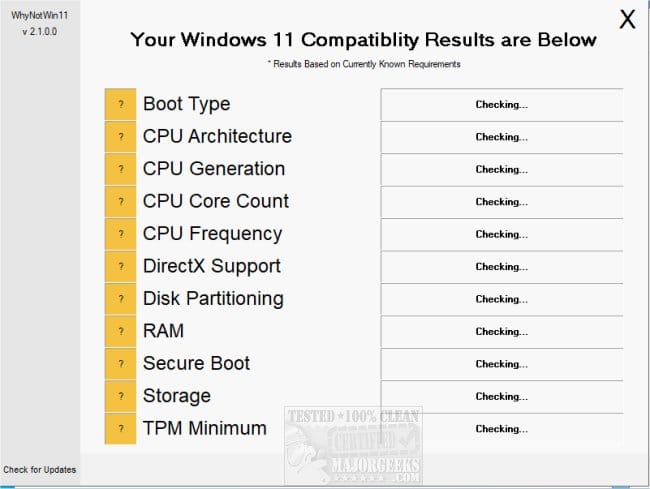
Intuit announced that for TurboTax 2025, they required windows 11, and I am now attempting an upgrade. I ran Windows Update > Check for updates, and installed all of the remaining windows 10 updates available, then rebooted to make sure that everything was running ok. I also ran PC Health Check > Check now, which reported "This PC meets Windows 11 requirements"
I downloaded Win11_25H2_English_x64.iso, mounted it, and ran setup.exe. I attached an extra USB drive for use by the update (empty, 100GB available). The setup started and started counting percent complete, at about 38% per hour. Sometime around 2.6 hours, it rebooted, then displayed a screen (with a rotating "busy" icon) reading:
I left it running for 10 hours, at which time it had progressed to ... 0%.
I found advice on the web suggesting a reboot. I did that, and the installation reported
and it had indeed returned to windows 10.
A dialog reported:
I ran Settings > Update & Security > Troubleshoot > Additional troubleshooters, then under "Get up and running", selected Windows Update > Run the troubleshooter. It reported
I'm going to try it again, but I'm pessimistic.
My question: what does the dialog reporting the error in the APPLY_IMAGE operation of SAFE_OS mean? What needs fixing?
Intuit announced that for TurboTax 2025, they required windows 11, and I am now attempting an upgrade. I ran Windows Update > Check for updates, and installed all of the remaining windows 10 updates available, then rebooted to make sure that everything was running ok. I also ran PC Health Check > Check now, which reported "This PC meets Windows 11 requirements"
I downloaded Win11_25H2_English_x64.iso, mounted it, and ran setup.exe. I attached an extra USB drive for use by the update (empty, 100GB available). The setup started and started counting percent complete, at about 38% per hour. Sometime around 2.6 hours, it rebooted, then displayed a screen (with a rotating "busy" icon) reading:
Working on updates 0%
Please keep your computer on
I left it running for 10 hours, at which time it had progressed to ... 0%.
I found advice on the web suggesting a reboot. I did that, and the installation reported
Undoing changes made to your computer
and it had indeed returned to windows 10.
A dialog reported:
We couldn't install Windows 11
We've set your PC back to the way it was right before you started installing Windows 11.
0xC1900101 - 0x2000C
The installation failed in the SAFE_OS phase with an error during APPLY_IMAGE operation
I ran Settings > Update & Security > Troubleshoot > Additional troubleshooters, then under "Get up and running", selected Windows Update > Run the troubleshooter. It reported
Troubleshooting has completed
The troubleshooter has made some changes to your system. Try attempting the task you were trying to do before.
I'm going to try it again, but I'm pessimistic.
My question: what does the dialog reporting the error in the APPLY_IMAGE operation of SAFE_OS mean? What needs fixing?
My Computer
At a glance
Windows 11 Pro 10.0.26200AMD Ryzen 5 2600 CPU32 GB (16 GB * 2)Gigabyte GV-R724OC-2GI Radeon R7 240
- OS
- Windows 11 Pro 10.0.26200
- Computer type
- PC/Desktop
- Manufacturer/Model
- Self-build
- CPU
- AMD Ryzen 5 2600 CPU
- Motherboard
- Asus Prime B450-M A
- Memory
- 32 GB (16 GB * 2)
- Graphics Card(s)
- Gigabyte GV-R724OC-2GI Radeon R7 240
- Monitor(s) Displays
- Samsung 710v (don't laugh, my desk is tiny!)
- Screen Resolution
- 1280 x 1024 60Hz
- Case
- Rosewill
- Cooling
- CPU and case fan
- Keyboard
- CM Storm Quickfire Rapid
- Mouse
- Microsoft Basic Optical 2.0
- Internet Speed
- 940 Mbps
- Browser
- Chrome


 Download updates, drivers, and optional features (recommended)