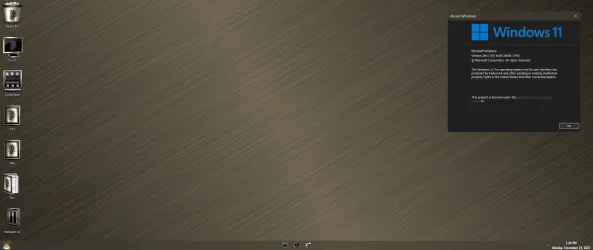
i have it on 25h2 i have all the versions and second off omg not 6 7 and customizergod has not you just downloaded it from internet so STOP SAYING MISINFORMATION
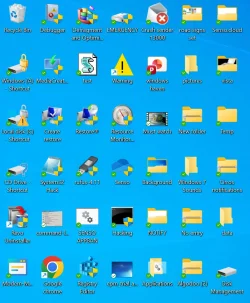
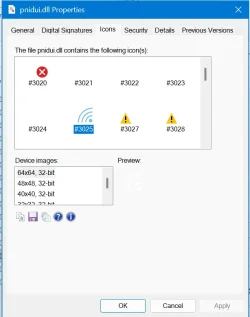
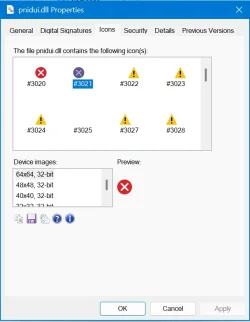
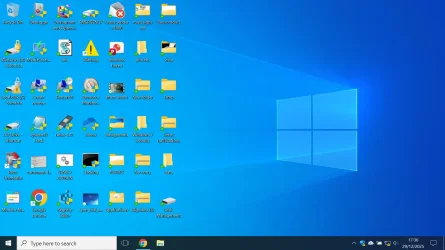
you are very helpful but i did it and it turned from windows 10 icons but it changed back to theese
View attachment 158291
View attachment 158294
I tried reverting ALL of them to windows 10 but some just keep duplicating like when i change info and question icons get to be the same
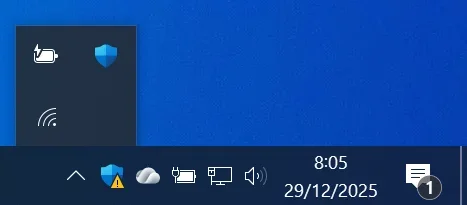
Also i hid the network icon here
View attachment 158296and used netanimate to get the new icon
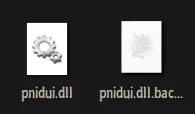
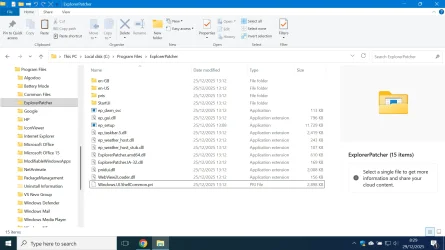
View attachment 158297When you edit the files it says denied. You need to add yourself in security and allow yourself to customize icons, ifyou dont know what i mean i might put up tutorial
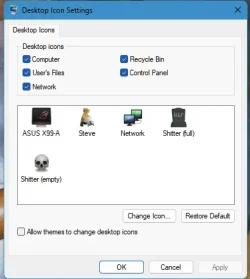
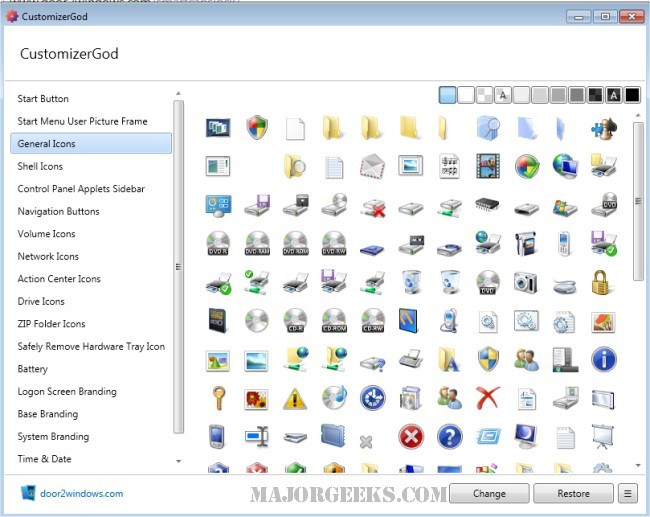
No thats the desktop icon settings, we are using CustomizerGod to change the icons, Read the title
Windows 10 icons
Windows 7 icons
Windows vista icons
Please check all to see if they are right
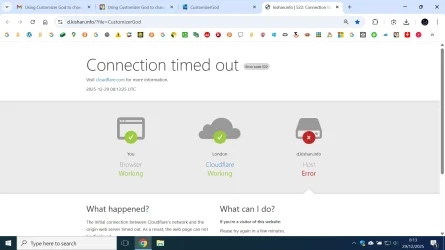
IMPORTANT NOTICE: Customizergod does not download from the website. It took me to this
View attachment 158298
You need to download from majorgeeks instead
Error details
What can I do?
If you're a visitor of this website:
Please try again in a few minutes.
If you're the owner of this website:
Contact your hosting provider letting them know your web server is not completing requests. An Error 522 means that the request was able to connect to your web server, but that the request didn't finish. The most likely cause is that something on your server is hogging resources.
Additional troubleshooting information here.
What happened?
The initial connection between Cloudflare's network and the origin web server timed out. As a result, the web page can not be displayed.
So thats what happened, customizergod is probaly last time it updated. PLEASE DOOR2WINDOWS PLEASE MAKE IT COMPATIBLE FOR WINDOWS 11
View attachment 158299
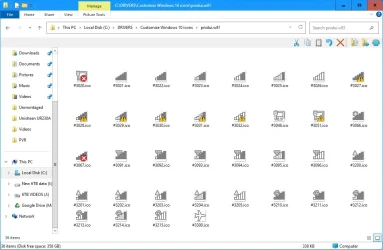
how do i change the icons, i am using icon viewer and want old network icons
my old pc it worked but using retrobar te tray icons broke so dont use retrobar
now i have to use netanimate
View attachment 158300View attachment 158301