New CCleaner is out if anyone is still interested?
CCleaner 7.03.1120 (17 Dec 2025)
Version History
New features to expand cleaning and optimization capabilities
Cloud Drive Cleaner now supports Dropbox, so you can tidy cloud clutter safely in just a few clicks.
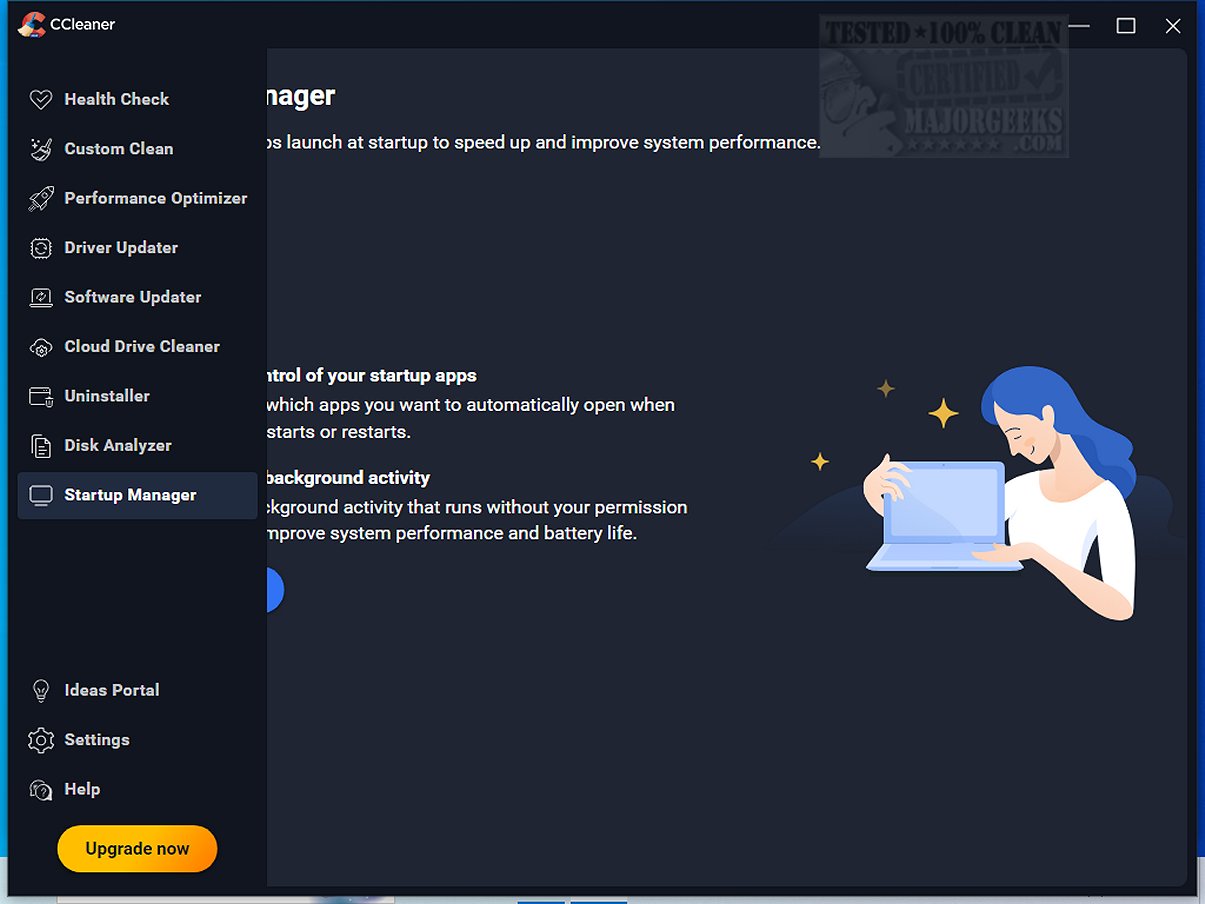
Startup Manager now lets you view and manage apps that run via Windows scheduled tasks and services, giving you more control over what starts in the background.
Updates to improve user experience
Driver Updater: the “Up-to-date drivers” tab is clearer, with better grouping structure and icons.
Driver Updater: Skipped and Ignored drivers now have their own tab, making it easier to review and manage them in one place.
Software Updater now shows a clear “Restart required” screen for updates that need a reboot
Cleaning safeguards: added clear warnings when enabling rules that clean your Downloads folder, so you don’t remove files you still need by accident.
We improved Temporary Uninstall to give you more control. You can now choose how long an app stays temporarily removed before CCleaner fully uninstalls it. Adjust this anytime in the feature settings.
Fixed bugs
Fixed an issue where the Recycle Bin icon didn’t always show as empty after cleaning with Health Check.
Fixed a display issue where the new tab layout showed white gaps when the window was maximized.
 www.ccleaner.com
CCleaner 7.03.1120 (17 Dec 2025)
Version History
New features to expand cleaning and optimization capabilities
Cloud Drive Cleaner now supports Dropbox, so you can tidy cloud clutter safely in just a few clicks.
Startup Manager now lets you view and manage apps that run via Windows scheduled tasks and services, giving you more control over what starts in the background.
Updates to improve user experience
Driver Updater: the “Up-to-date drivers” tab is clearer, with better grouping structure and icons.
Driver Updater: Skipped and Ignored drivers now have their own tab, making it easier to review and manage them in one place.
Software Updater now shows a clear “Restart required” screen for updates that need a reboot
Cleaning safeguards: added clear warnings when enabling rules that clean your Downloads folder, so you don’t remove files you still need by accident.
We improved Temporary Uninstall to give you more control. You can now choose how long an app stays temporarily removed before CCleaner fully uninstalls it. Adjust this anytime in the feature settings.
Fixed bugs
Fixed an issue where the Recycle Bin icon didn’t always show as empty after cleaning with Health Check.
Fixed a display issue where the new tab layout showed white gaps when the window was maximized.
Download CCleaner | Clean, optimize & tune up your PC, free!
Download CCleaner for FREE. Clean your PC of temporary files, tracking cookies, browser junk and more! Get the latest version today.
www.ccleaner.com
Last edited:
My Computer
At a glance
Windows 11 ProIntel Core i9 12900KFCorsair 64GB DDR5 Vengeance C40 5200MhzASUS GeForce RTX 3090 ROG Strix OC 24GB
- OS
- Windows 11 Pro
- Computer type
- PC/Desktop
- Manufacturer/Model
- Custom Build
- CPU
- Intel Core i9 12900KF
- Motherboard
- ASUS ROG Maximus Z690 Hero
- Memory
- Corsair 64GB DDR5 Vengeance C40 5200Mhz
- Graphics Card(s)
- ASUS GeForce RTX 3090 ROG Strix OC 24GB
- Sound Card
- OnBoard
- Monitor(s) Displays
- Acer Predator XB323UGP 32" QHD G-SYNC-C 144Hz 1MS IPS LED
- Screen Resolution
- 2560 x 1440
- Hard Drives
- 1x Samsung 980 Pro Series Gen4 250GB M.2 NVMe
1x Samsung 980 Pro Series Gen4 500GB M.2 NVMe
2x Samsung 980 Pro Series Gen4 2TB M.2 NVMe
- PSU
- Corsair AX1200i 1200W 80PLUS Titanium Modular
- Case
- Corsair 4000D Black Case w/ Tempered Glass Side Panel
- Cooling
- Noctua NH-U12A Chromax Black CPU Cooler, 4x Noctua 120mm Fans
- Keyboard
- Logitech MK545
- Mouse
- Logitech MX Master 3
- Internet Speed
- Fixed Wireless 150mbps/75mbps
- Browser
- Firefox
- Antivirus
- Kaspersky
- Other Info
- Thrustmaster TS-PC RACER
Fanatec CSL Elite Pedals with the Load Cell Kit
Yamaha Amp with Bose Speakers