CCleaner 7.9.1432.0
v7.09.1432 (02 Jul 2026)
Taking the hassle out of PC maintenance
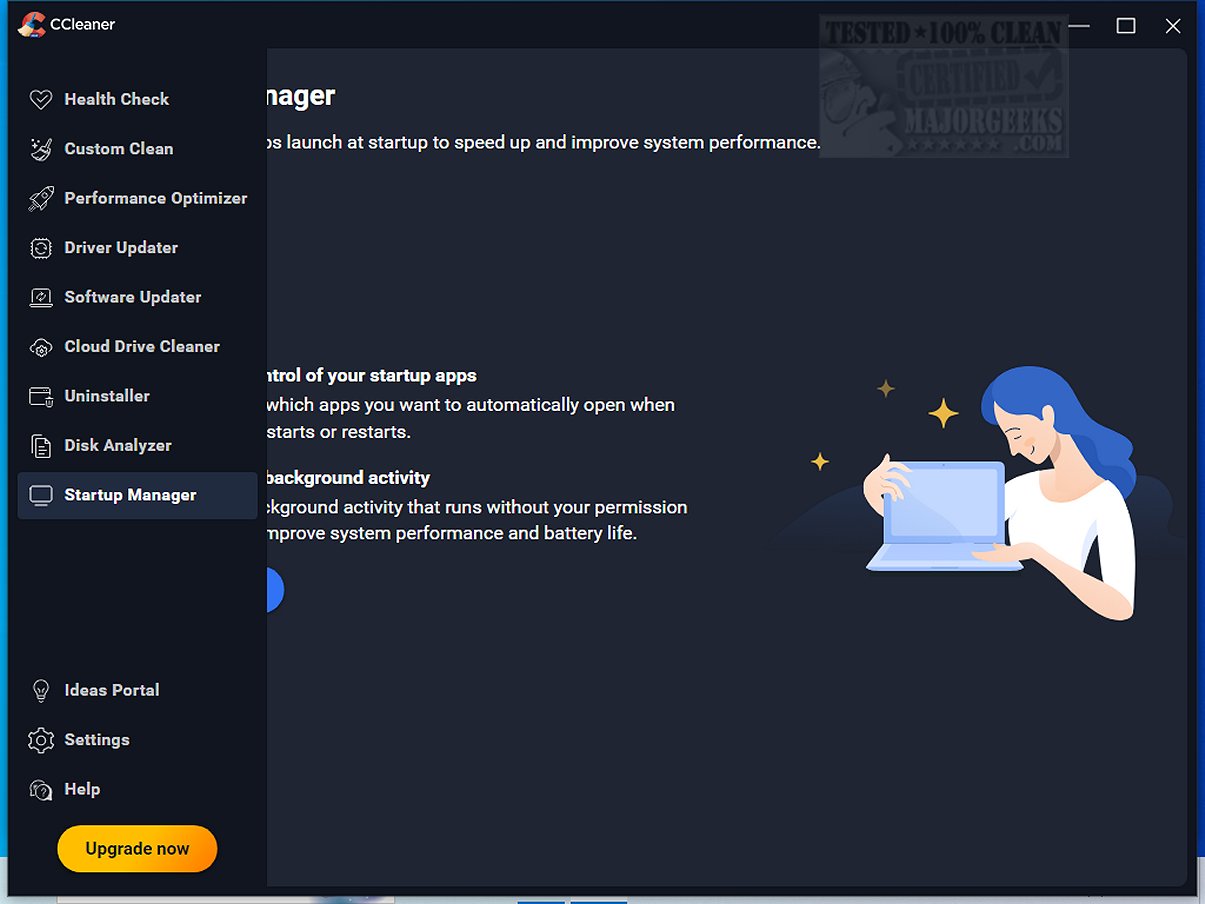
Startup Manager now shows context menu items. You can view and manage programs that add themselves to your right-click menu.
Improved program names in Startup Manager. All tabs now display human-readable program names and icons instead of raw file names.
Helping you to keep your PC running fast and smooth
Fixed an issue where CCleaner could start as a blank window. If something goes wrong with the display engine, CCleaner now recovers gracefully instead of showing a white or black rectangle.
Expanding our cleaning
Added Thunderbird to the applications list. You can now clean Thunderbird data directly from Custom Clean.
Fixed a mismatch between scan and clean results. Scan and clean now report consistent file and registry counts.
Better registry cleaning results. When you clean only registry items, the results page now shows the number of issues fixed instead of "0 B freed."
Enhancing our Software Updater
Skip or ignore software updates. CCleaner Professional users can now skip a specific version or pause all updates for an app — just like Driver Updater.
Enhancing our Health Check
Improved Health Check readability. We've increased the text size on the Health Check landing page so it's easier to read.
Keeping you safe
Updated security dependencies. We've patched vulnerable components in both the app interface and the background service to keep you protected.
Updated privacy page copy. The Privacy settings page now reflects our current data practices and links to the correct Product Privacy Notice.
Fixing bugs
Fixed system tray text in Japanese, Estonian, and other languages. Right-clicking the tray icon now displays the correct characters in all supported languages.
Fixed keyboard navigation with screen readers. CCleaner no longer traps keyboard focus when launched with a screen reader active.
Fixed Disk Analyser refresh icon in right-to-left languages. The icon now displays correctly in Arabic, Hebrew, Farsi, and Urdu.
Fixed feedback button clipping in Croatian and Serbian. The button text is no longer cut off in these languages.
Download the latest build of CCleaner for FREE. Clean your PC of temporary files, tracking cookies, browser junk and more!

www.ccleaner.com
CCleaner Standard is basically the free home version of CCleaner for Windows. It is meant to clean out junk files, browser caches, cookies, temporary files, and other leftover clutter so you can free disk space and tidy up a PC.
www.majorgeeks.com