Trying to save my laptop: 0xc000021a, windows 11 won't start


brokensword

Member
Local time
8:38 AM
Posts
6
OS
Windows 11
Hello, I recently bought an Asus laptop off of eBay (G713P), and a few days ago two rows of my keyboard stopped working: the rows with "6-7”, ”Y-U", ”H-J”, and ”M-N". I figured that the problem might be a recent windows 11 update, so I decided to do a rollback.

Ever since then, I cannot get Windows to start. I am stuck on s loop on the startup screen. I took some pictures of what the screen says when trying to boot up:

20251024-125601 hosted at ImgBB 20251024-125610 hosted at ImgBB 20251024-125620 hosted at ImgBB 20251024-125713 hosted at ImgBB

The laptop restarts after the last error, and the loop starts again.

I have tried connecting a USB stick with the 8GB windows 11 iso file to do a fresh install, but I still get the same text in the pictures, with the USB stick not booting.

I have gone into the Asus BIOS, and disabled fast startup. I see no option to boot from the USB; then again, I'm a novice when it comes to operating inside the bios.

Here are some pictures of the BIOS screen:

20251024-150745 hosted at ImgBB 20251024-151113 hosted at ImgBB 20251024-151143 hosted at ImgBB

Here's a picture of the USB stick:
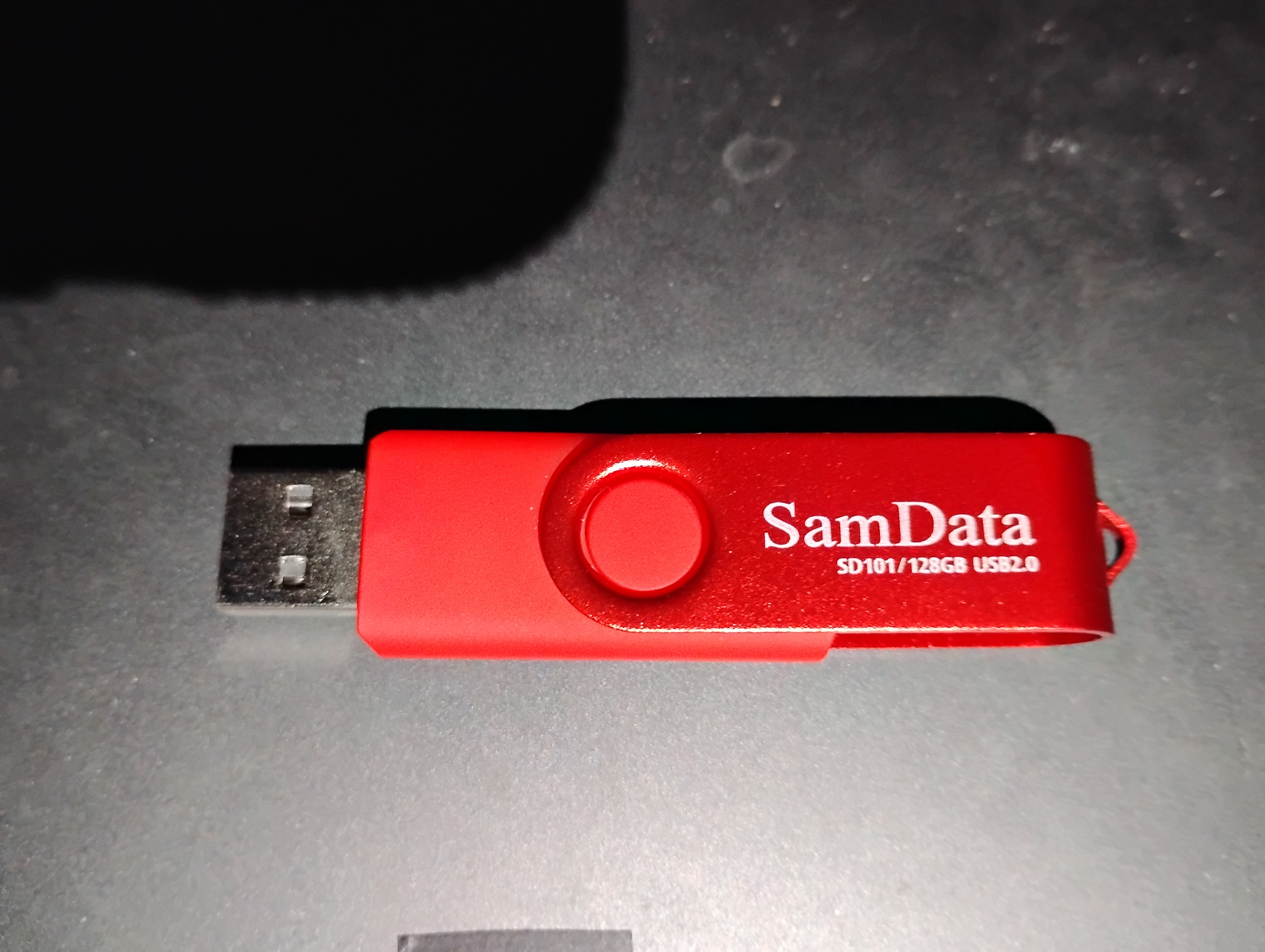

I have no idea where to go from here. If you have any ideas, then all help will be greatly appreciated.
 
Windows Build/Version
11 25H2 (Build 26200.6899) (before I did the rollback)

My Computer

System One

  • OS
    Windows 11
    Computer type
    Laptop
    Manufacturer/Model
    ASUS
    CPU
    Ryzen 9 7940HX
    Memory
    16GB
    Graphics Card(s)
    RTX 4050
    Hard Drives
    1TB SSD
    Browser
    Brave
    Other Info
    ASUS ROG G713PU
I see no option to boot from the USB;

If you press ESC at start-up - with USB inserted - can you switch to USB with arrow keys?

Or, you could switch the Boot Priority - like so...


My Computer

System One

  • OS
    WinDOS 25H2
    Computer type
    Laptop
    CPU
    Intel & AMD
    Memory
    SO-DIMM SK Hynix 15.8 GB Dual-Channel DDR4-2666 (2 x 8 GB) 1329MHz (19-19-19-43)
    Graphics Card(s)
    nVidia RTX 2060 6GB Mobile GPU (TU106M)
    Sound Card
    Onbord Realtek ALC1220
    Screen Resolution
    1920 x 1080
    Hard Drives
    1x Samsung PM981 NVMe PCIe M.2 512GB / 1x Seagate Expansion ST1000LM035 1TB
is it this


My Computers

System One System Two

  • OS
    Win7,Win11
    Computer type
    PC/Desktop
    CPU
    i7-9700
    Motherboard
    gigabyte b365m ds3h
    Memory
    2x16gb 3600mhz
    Monitor(s) Displays
    benq gw2480
    PSU
    bequiet pure power 11 400CM
    Cooling
    cryorig m9i
  • Operating System
    win7,win11
    Computer type
    PC/Desktop
    CPU
    i5-8400
    Motherboard
    gigabyte b365m ds3h
    Memory
    2x8gb 3200
    PSU
    xfx pro 450
If you press ESC at start-up - with USB inserted - can you switch to USB with arrow keys?

Or, you could switch the Boot Priority - like so...

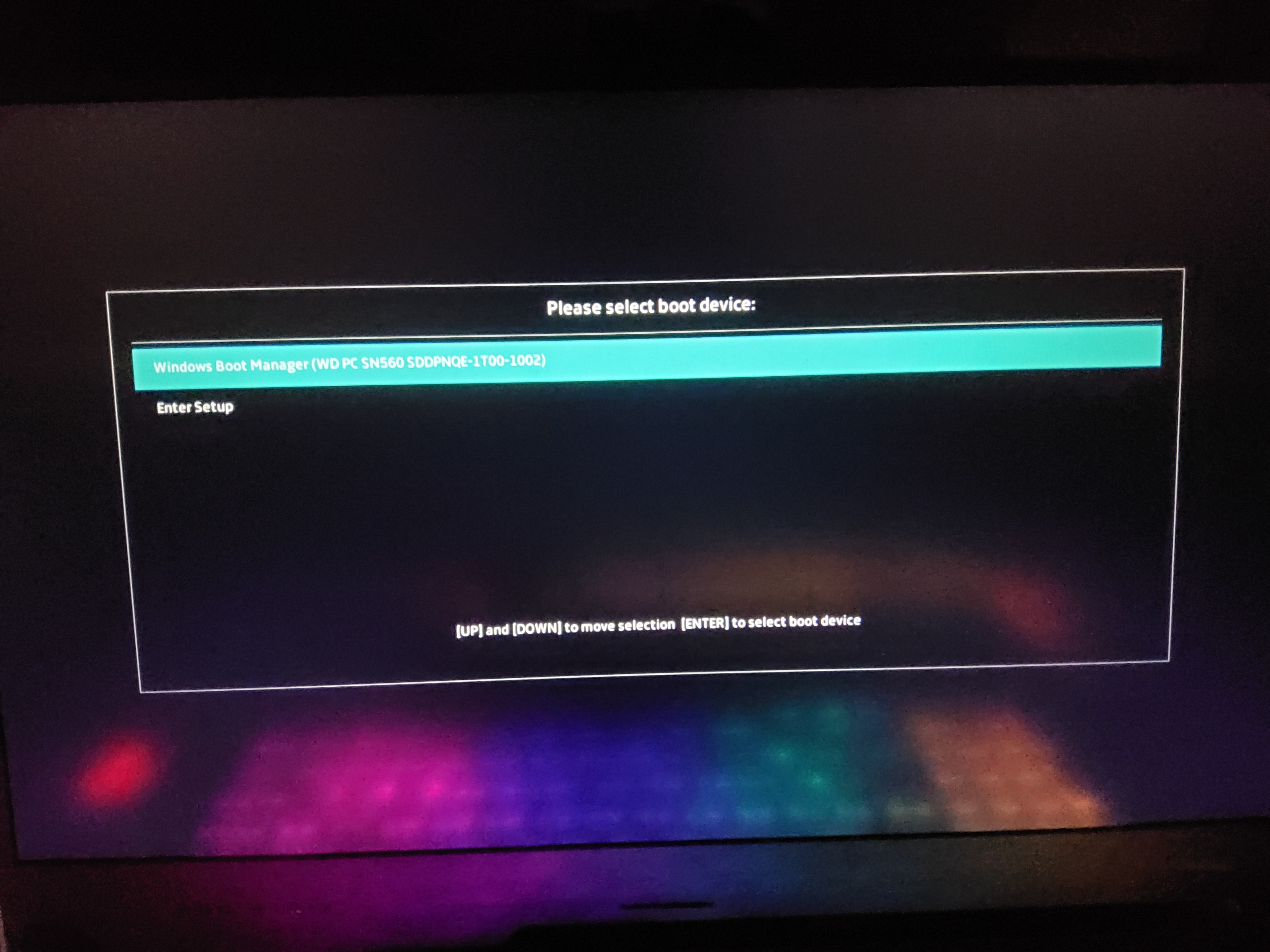
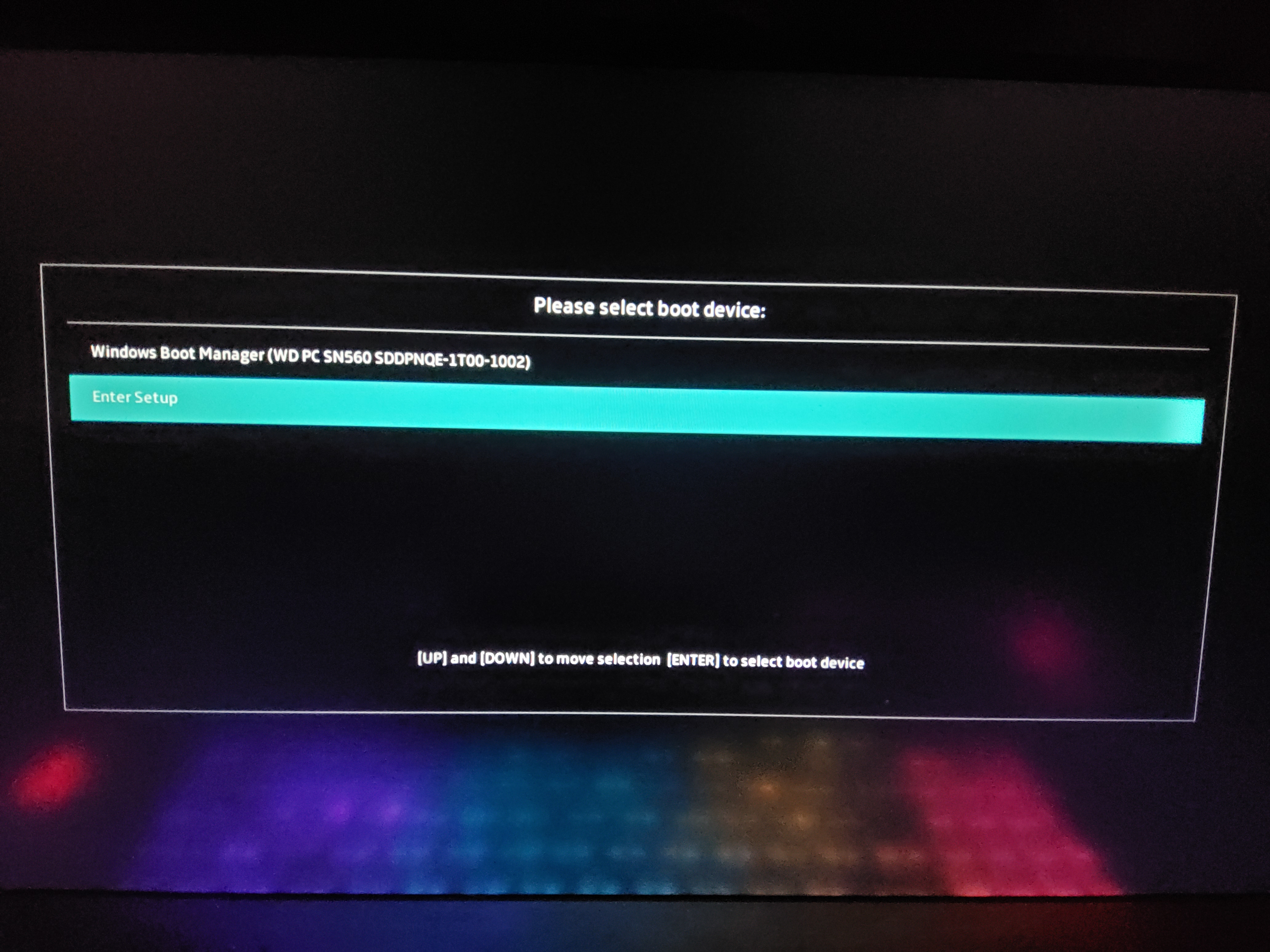
Thank you for replying. I hit the ESC key, and it brought me this menu:


I selected "enter setup", and it took me to the main BIOS screen. I'm kind of wondering if the USB stick isn't properly formatted. I'm going to try to have a look at it.

I'm going to watch the youtube video now, and I'll reply soon with an update.
 

My Computer

System One

  • OS
    Windows 11
    Computer type
    Laptop
    Manufacturer/Model
    ASUS
    CPU
    Ryzen 9 7940HX
    Memory
    16GB
    Graphics Card(s)
    RTX 4050
    Hard Drives
    1TB SSD
    Browser
    Brave
    Other Info
    ASUS ROG G713PU
Please boot to a Windows Media Creation Tool (MCT)(iso) > search for: > post share links

c:\windows\system32\logfiles\srt\srttrail.txt
%windir%\system32\logfiles\srt\srttrail.txt
 

My Computer

System One

  • OS
    Windows 10
    Computer type
    Laptop
    Manufacturer/Model
    HP
    CPU
    Intel(R) Core(TM) i7-4800MQ CPU @ 2.70GHz
    Motherboard
    Product : 190A Version : KBC Version 94.56
    Memory
    16 GB Total: Manufacturer : Samsung MemoryType : DDR3 FormFactor : SODIMM Capacity : 8GB Speed : 1600
    Graphics Card(s)
    NVIDIA Quadro K3100M; Intel(R) HD Graphics 4600
    Sound Card
    IDT High Definition Audio CODEC; PNP Device ID HDAUDIO\FUNC_01&VEN_111D&DEV_76E0
    Hard Drives
    Model Hitachi HTS727575A9E364
    Antivirus
    Microsoft Defender
    Other Info
    Mobile Workstation
Sooo... I am a big dummy. I downloaded the windows 11 iso without using the Microsoft Media Creation Tool to properly install the iso onto the USB stick. I borrowed a friend's laptop to do that, put the USB stick in my laptop and hit ESC, and now the app on the stick is trying to repair my computer. Thank you to everyone who replied... I'll get the hang of this sooner or later :D
 

My Computer

System One

  • OS
    Windows 11
    Computer type
    Laptop
    Manufacturer/Model
    ASUS
    CPU
    Ryzen 9 7940HX
    Memory
    16GB
    Graphics Card(s)
    RTX 4050
    Hard Drives
    1TB SSD
    Browser
    Brave
    Other Info
    ASUS ROG G713PU
If you plan a fresh installation instead of troubleshooting then one or more of these links may be useful:


My Computer

System One

  • OS
    Windows 10
    Computer type
    Laptop
    Manufacturer/Model
    HP
    CPU
    Intel(R) Core(TM) i7-4800MQ CPU @ 2.70GHz
    Motherboard
    Product : 190A Version : KBC Version 94.56
    Memory
    16 GB Total: Manufacturer : Samsung MemoryType : DDR3 FormFactor : SODIMM Capacity : 8GB Speed : 1600
    Graphics Card(s)
    NVIDIA Quadro K3100M; Intel(R) HD Graphics 4600
    Sound Card
    IDT High Definition Audio CODEC; PNP Device ID HDAUDIO\FUNC_01&VEN_111D&DEV_76E0
    Hard Drives
    Model Hitachi HTS727575A9E364
    Antivirus
    Microsoft Defender
    Other Info
    Mobile Workstation
Back
Top Bottom