Trying to save my laptop: 0xc000021a, windows 11 won't start


brokensword

Member
Local time
4:58 PM
Posts
6
OS
Windows 11
Hello, I recently bought an Asus laptop off of eBay (G713P), and a few days ago two rows of my keyboard stopped working: the rows with "6-7”, ”Y-U", ”H-J”, and ”M-N". I figured that the problem might be a recent windows 11 update, so I decided to do a rollback.

Ever since then, I cannot get Windows to start. I am stuck on s loop on the startup screen. I took some pictures of what the screen says when trying to boot up:

20251024-125601 hosted at ImgBB 20251024-125610 hosted at ImgBB 20251024-125620 hosted at ImgBB 20251024-125713 hosted at ImgBB

The laptop restarts after the last error, and the loop starts again.

I have tried connecting a USB stick with the 8GB windows 11 iso file to do a fresh install, but I still get the same text in the pictures, with the USB stick not booting.

I have gone into the Asus BIOS, and disabled fast startup. I see no option to boot from the USB; then again, I'm a novice when it comes to operating inside the bios.

Here are some pictures of the BIOS screen:

20251024-150745 hosted at ImgBB 20251024-151113 hosted at ImgBB 20251024-151143 hosted at ImgBB

Here's a picture of the USB stick:
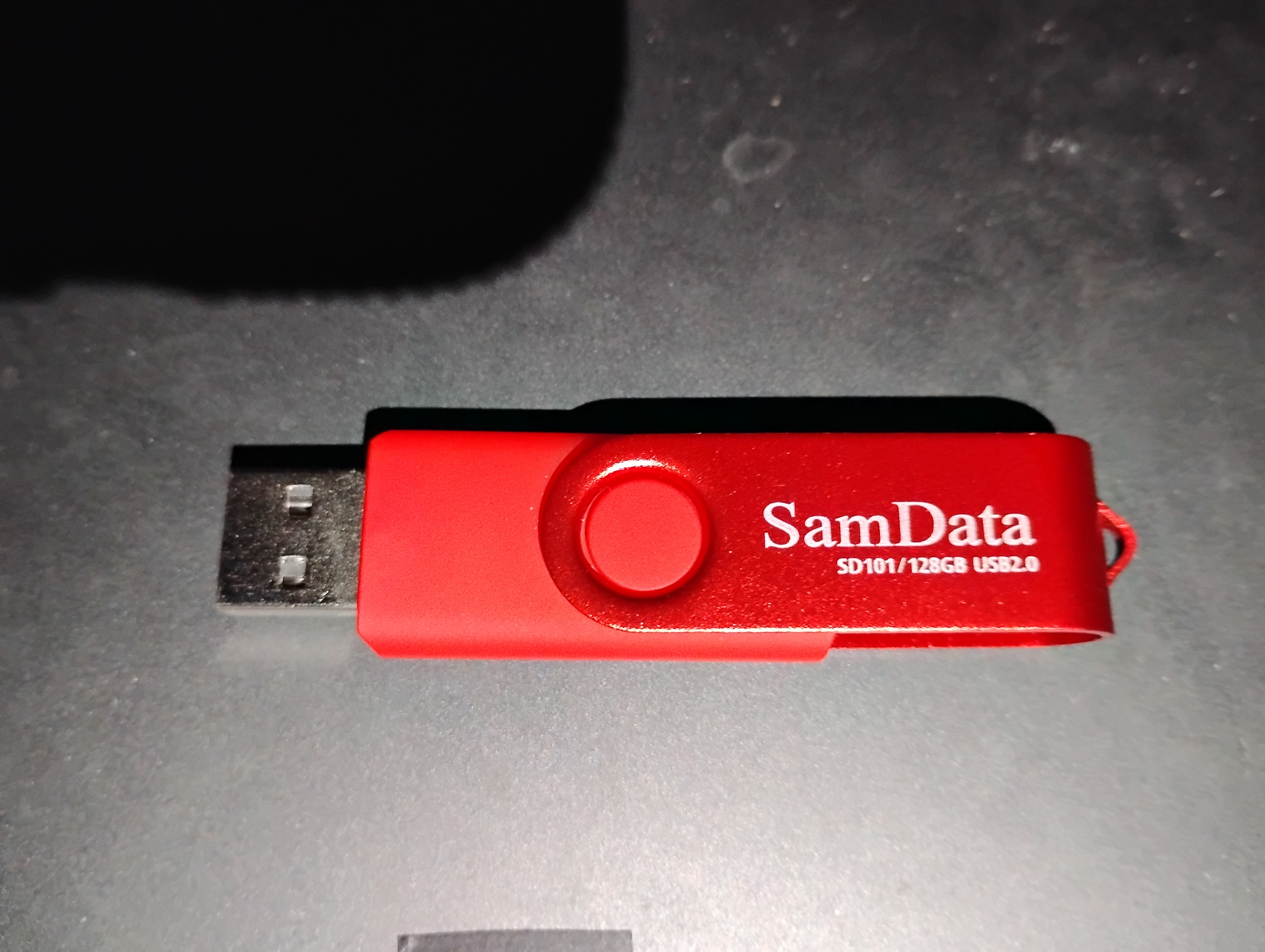

I have no idea where to go from here. If you have any ideas, then all help will be greatly appreciated.
 
Windows Build/Version
11 25H2 (Build 26200.6899) (before I did the rollback)

My Computer My Computer

At a glance

Windows 11Ryzen 9 7940HX16GBRTX 4050
OS
Windows 11
Computer type
Laptop
Manufacturer/Model
ASUS
CPU
Ryzen 9 7940HX
Memory
16GB
Graphics Card(s)
RTX 4050
Hard Drives
1TB SSD
Browser
Brave
Other Info
ASUS ROG G713PU
I see no option to boot from the USB;

If you press ESC at start-up - with USB inserted - can you switch to USB with arrow keys?

Or, you could switch the Boot Priority - like so...


My Computer My Computer

At a glance

WinDOS 25H2Intel & AMDSO-DIMM SK Hynix 15.8 GB Dual-Channel DDR4-26...nVidia RTX 2060 6GB Mobile GPU (TU106M)
OS
WinDOS 25H2
Computer type
Laptop
CPU
Intel & AMD
Memory
SO-DIMM SK Hynix 15.8 GB Dual-Channel DDR4-2666 (2 x 8 GB) 1329MHz (19-19-19-43)
Graphics Card(s)
nVidia RTX 2060 6GB Mobile GPU (TU106M)
Sound Card
Onbord Realtek ALC1220
Screen Resolution
1920 x 1080
Hard Drives
1x Samsung PM981 NVMe PCIe M.2 512GB / 1x Seagate Expansion ST1000LM035 1TB
is it this


My Computers My Computers

  • At a glance

    Win7,Win11i7-97002x16gb 3600mhz
    OS
    Win7,Win11
    Computer type
    PC/Desktop
    CPU
    i7-9700
    Motherboard
    gigabyte b365m ds3h
    Memory
    2x16gb 3600mhz
    Monitor(s) Displays
    benq gw2480
    PSU
    bequiet pure power 11 400CM
    Cooling
    cryorig m9i
  • At a glance

    win7,win11i5-84002x8gb 3200
    Operating System
    win7,win11
    Computer type
    PC/Desktop
    CPU
    i5-8400
    Motherboard
    gigabyte b365m ds3h
    Memory
    2x8gb 3200
    PSU
    xfx pro 450
If you press ESC at start-up - with USB inserted - can you switch to USB with arrow keys?

Or, you could switch the Boot Priority - like so...

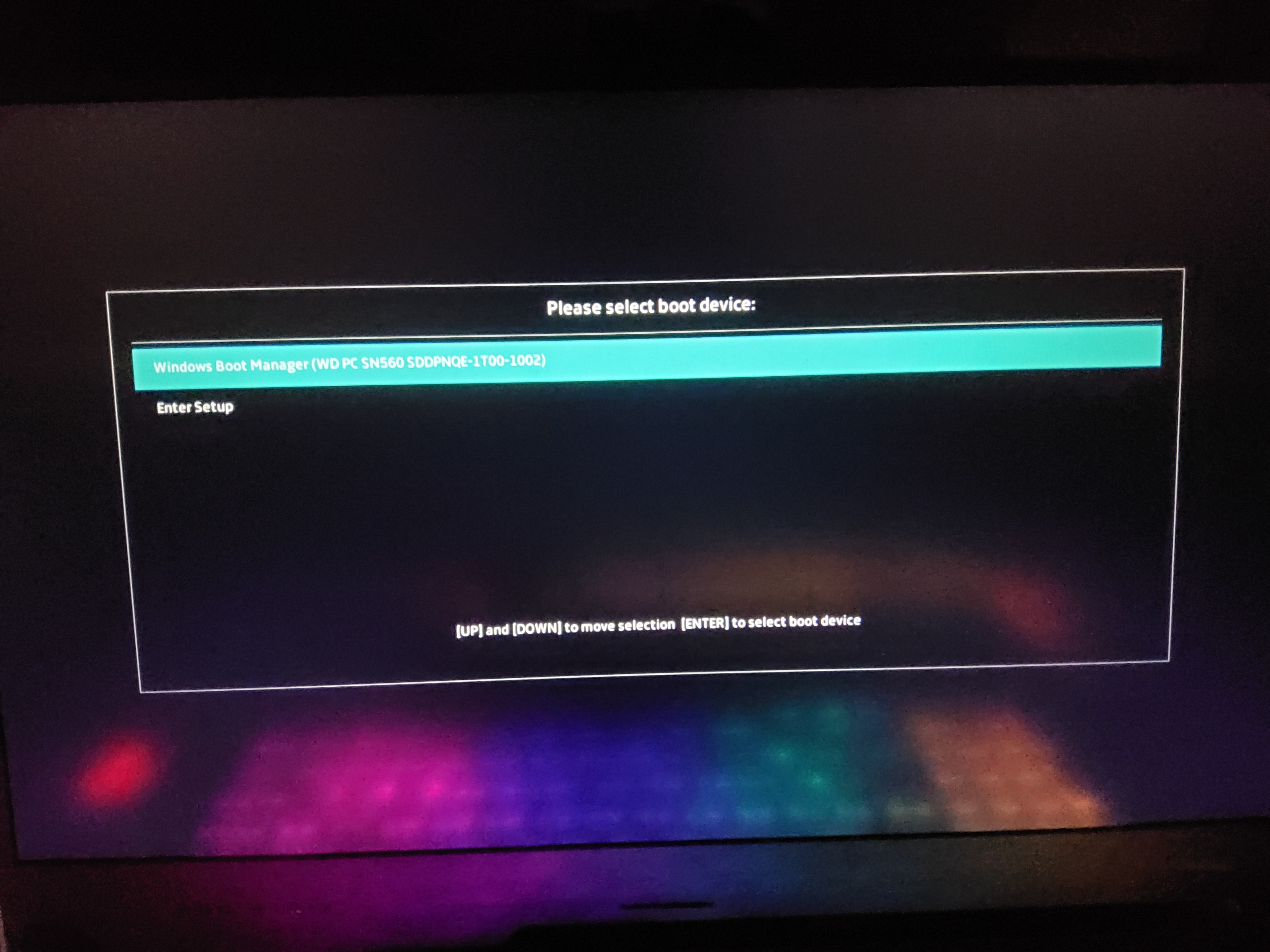
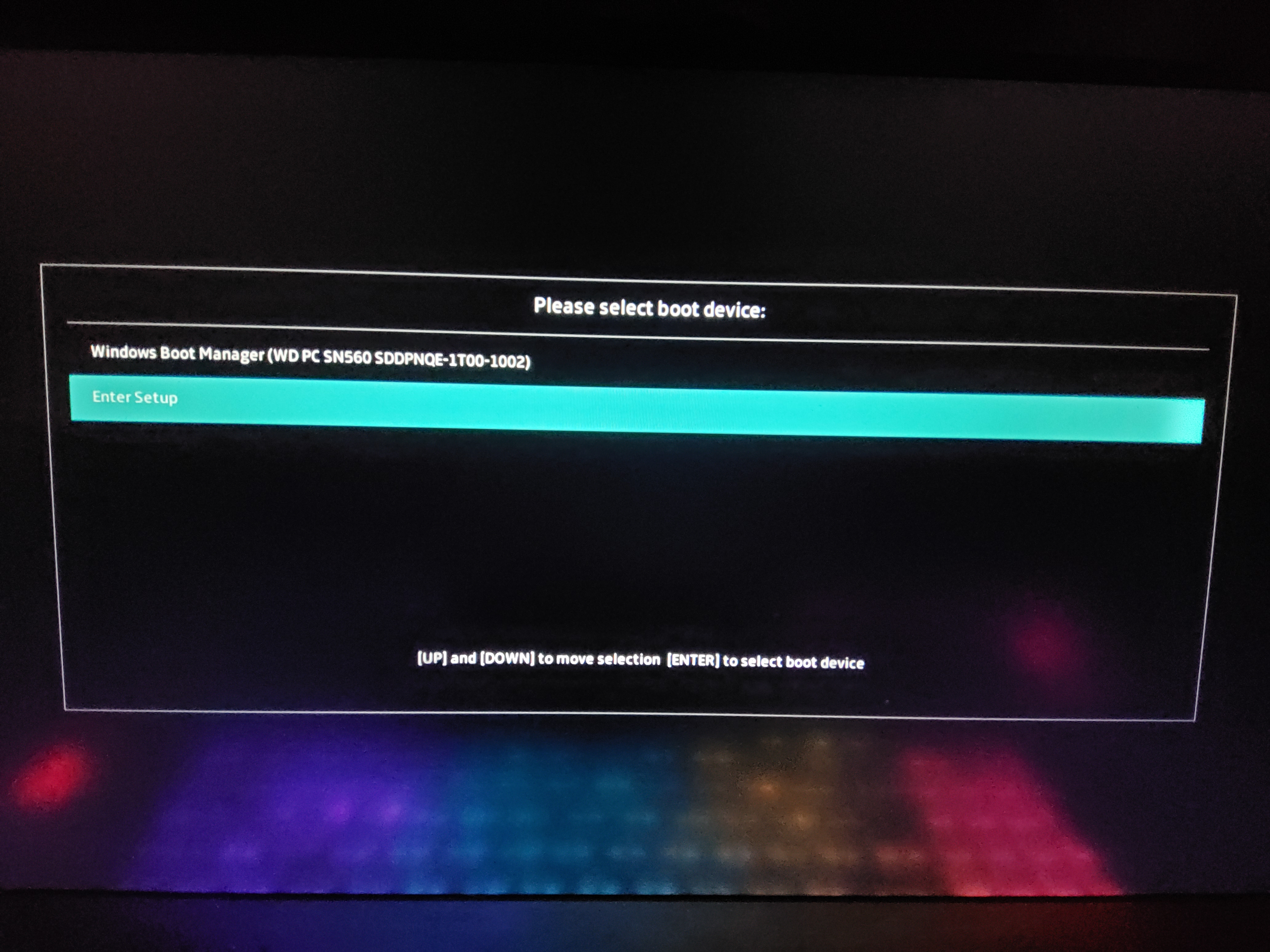
Thank you for replying. I hit the ESC key, and it brought me this menu:


I selected "enter setup", and it took me to the main BIOS screen. I'm kind of wondering if the USB stick isn't properly formatted. I'm going to try to have a look at it.

I'm going to watch the youtube video now, and I'll reply soon with an update.
 

My Computer My Computer

At a glance

Windows 11Ryzen 9 7940HX16GBRTX 4050
OS
Windows 11
Computer type
Laptop
Manufacturer/Model
ASUS
CPU
Ryzen 9 7940HX
Memory
16GB
Graphics Card(s)
RTX 4050
Hard Drives
1TB SSD
Browser
Brave
Other Info
ASUS ROG G713PU
Please boot to a Windows Media Creation Tool (MCT)(iso) > search for: > post share links

c:\windows\system32\logfiles\srt\srttrail.txt
%windir%\system32\logfiles\srt\srttrail.txt
 

My Computer My Computer

At a glance

Windows 10Intel(R) Core(TM) i7-4800MQ CPU @ 2.70GHz16 GB Total: Manufacturer : Samsung MemoryTyp...NVIDIA Quadro K3100M; Intel(R) HD Graphics 4600
OS
Windows 10
Computer type
Laptop
Manufacturer/Model
HP
CPU
Intel(R) Core(TM) i7-4800MQ CPU @ 2.70GHz
Motherboard
Product : 190A Version : KBC Version 94.56
Memory
16 GB Total: Manufacturer : Samsung MemoryType : DDR3 FormFactor : SODIMM Capacity : 8GB Speed : 1600
Graphics Card(s)
NVIDIA Quadro K3100M; Intel(R) HD Graphics 4600
Sound Card
IDT High Definition Audio CODEC; PNP Device ID HDAUDIO\FUNC_01&VEN_111D&DEV_76E0
Hard Drives
Model Hitachi HTS727575A9E364
Antivirus
Microsoft Defender
Other Info
Mobile Workstation
Sooo... I am a big dummy. I downloaded the windows 11 iso without using the Microsoft Media Creation Tool to properly install the iso onto the USB stick. I borrowed a friend's laptop to do that, put the USB stick in my laptop and hit ESC, and now the app on the stick is trying to repair my computer. Thank you to everyone who replied... I'll get the hang of this sooner or later :D
 

My Computer My Computer

At a glance

Windows 11Ryzen 9 7940HX16GBRTX 4050
OS
Windows 11
Computer type
Laptop
Manufacturer/Model
ASUS
CPU
Ryzen 9 7940HX
Memory
16GB
Graphics Card(s)
RTX 4050
Hard Drives
1TB SSD
Browser
Brave
Other Info
ASUS ROG G713PU
If you plan a fresh installation instead of troubleshooting then one or more of these links may be useful:


My Computer My Computer

At a glance

Windows 10Intel(R) Core(TM) i7-4800MQ CPU @ 2.70GHz16 GB Total: Manufacturer : Samsung MemoryTyp...NVIDIA Quadro K3100M; Intel(R) HD Graphics 4600
OS
Windows 10
Computer type
Laptop
Manufacturer/Model
HP
CPU
Intel(R) Core(TM) i7-4800MQ CPU @ 2.70GHz
Motherboard
Product : 190A Version : KBC Version 94.56
Memory
16 GB Total: Manufacturer : Samsung MemoryType : DDR3 FormFactor : SODIMM Capacity : 8GB Speed : 1600
Graphics Card(s)
NVIDIA Quadro K3100M; Intel(R) HD Graphics 4600
Sound Card
IDT High Definition Audio CODEC; PNP Device ID HDAUDIO\FUNC_01&VEN_111D&DEV_76E0
Hard Drives
Model Hitachi HTS727575A9E364
Antivirus
Microsoft Defender
Other Info
Mobile Workstation
Back
Top Bottom