- Local time
- 7:38 PM
- Posts
- 15
- OS
- Windows
Hi @CarameloGay, hi all,
I'm really glad I found your post.
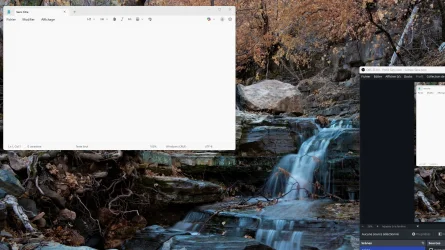
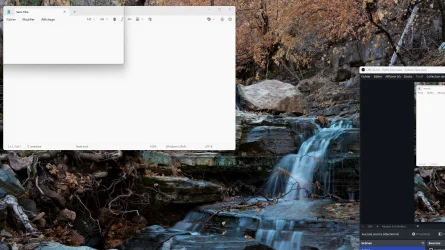
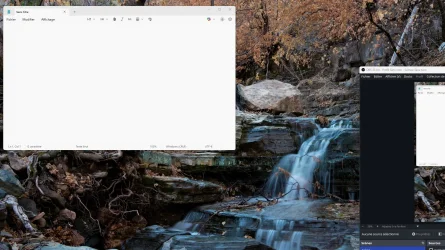
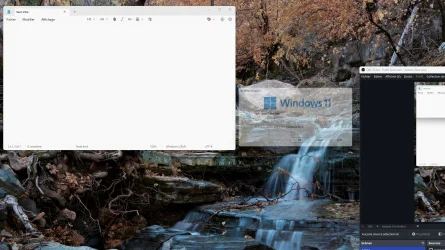
I'm having the exact same problem. The window border appears in a wrong position for a fraction of a second just before the window is displayed.
The problem started about 4 or 5 months ago (end of 2025). It exist on Windows 11 25H2 (not yet tested 25H1), on 2 computers, and on dozens of VMs that I reinstall every day for work (I'm a developer).
It also appear on Windows 11 ARM installed on VMware Fusion on Macbook Pro M4. This excludes NVIDIA card or driver issue.
To test yourself as explained by @CarameloGay: click on Windows taskbar, hold the Alt key down, and press F4 repeatedly. Each time you press F4, the Shut Down dialog box opens and closes. Repeat the operation so that the window appears and then closes, and while you are doing this, stare at the upper left corner of the screen: you will sometimes see a black rectangular outline flashing.
This glitch occurs regularly with all Windows 11 dialog boxes randomly.
Damn right, still happening to this day.
Fortunately, I found a workaround, need to use a third party app though - DWMGLASSBLUR (avast marked this as suspicious but it's a well known app, safe).
Just download from here:
Release 2.3.1 Release · Maplespe/DWMBlurGlass
增加了一个选项 "关闭Dcomp帧率限制" 在"高级"页面, 允许你解除背景的30帧刷新率限制 #460 增加了一个内置优化, 标题栏字幕按钮的颜色现在会根据你设置的混合颜色自动切换亮暗样式 #279 #380 #427 崩溃信息弹窗增加了一个"重试"按钮, 如果dwm崩溃, 可以点击"重试"尝试重新加载DWMBlurGlass 稳定性改善和优化 GUI样式优化 缩减了生成dump文件时的体...
 github.com
Extract to C:\DWMBlurGlass
Run it, go to Symbols and download that.
Then just use the attached config file (change extension to ini), I made it to only correct window borders colors to the correct windows light theme colors, rest of settings I kept the same exact appearance of stock Windows 11. You can customize those if you like but I see no need personally.
When windows updates, it'll throw an error at boot, just download Symbols again.
Windhawk has a mod that also fixes this issue (Windows 11 Custom Title Bar Colours) but there's a bug with it, explorer tabs have their colors messed up.
Attachments
My Computer
At a glance
Windows
- OS
- Windows