I wouldn't recommend using any Windows debloating script that doesn't openly state what features are removed (or allow users to customize their removals).
This script removes key features which might be important to some users:
Code:
"Microsoft-Windows-PowerShell-ISE-FOD-Package~",
"Microsoft-Windows-WMIC-FoD-Package~",
"Microsoft-Windows-MediaPlayer-Package~",
"Microsoft-Windows-LanguageFeatures-TextToSpeech-en-us-Package~",
"Microsoft-Windows-Hello-Face-Package~",
"Microsoft-Windows-MediaPlayer-Package-wow64.cab",
"Microsoft-Windows-LanguageFeatures-Speech-en-us-Package~",
"Microsoft-Windows-MSPaint-FoD-Package~",
"Microsoft-Windows-SnippingTool-FoD-Package~",
"Microsoft-Windows-Hello-BioEnrollment-Package~",  <-- required for Windows Hello
"Microsoft-Windows-BitLocker-DriveEncryption-FVE-Package~",  <-- required for BitLocker
"Microsoft-Windows-TPM-WMI-Provider-Package~",   <-- required for Secure Boot
Not to mention you're removing Defender. Some users may agree with your removal list, but it should be listed up front.
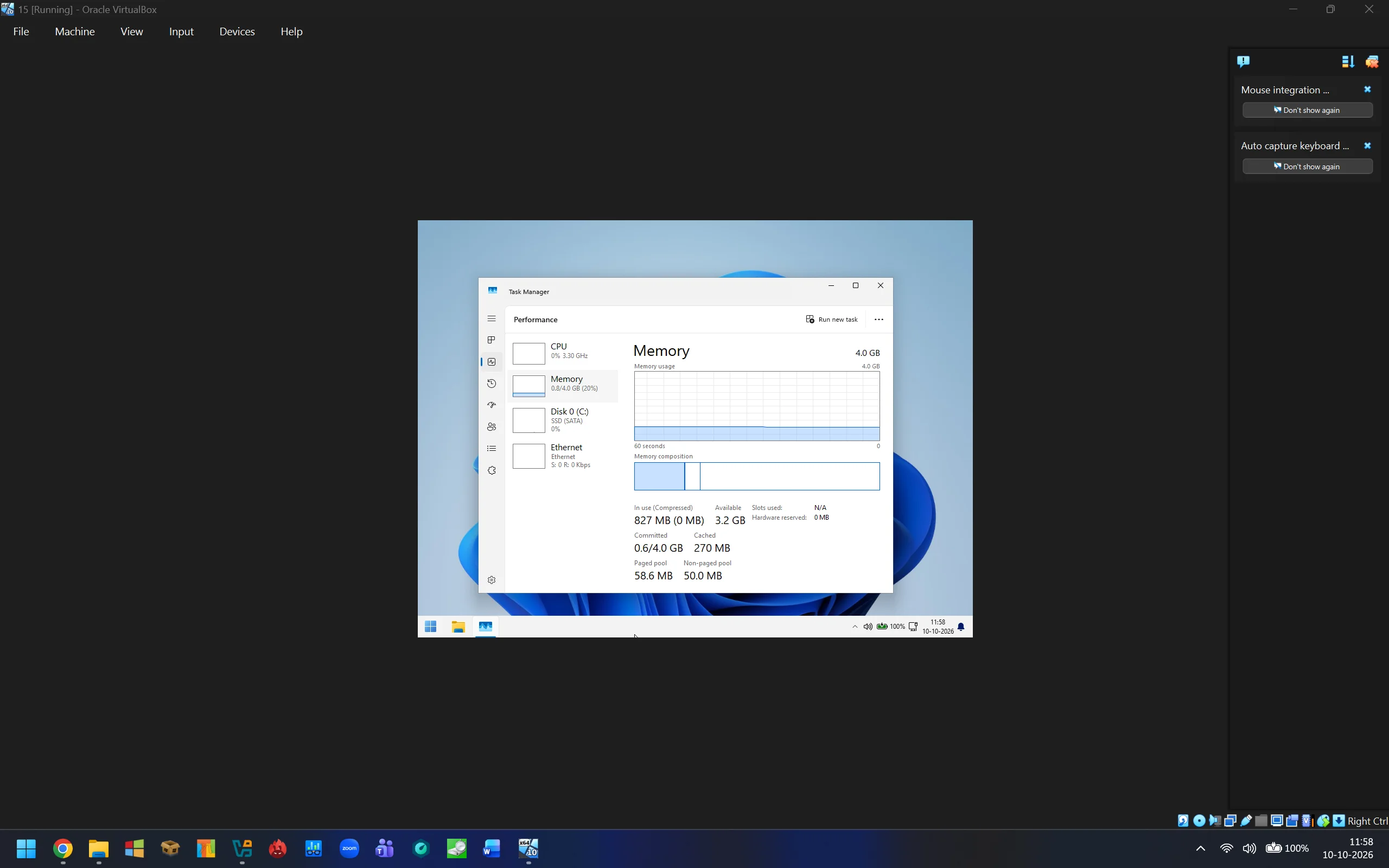
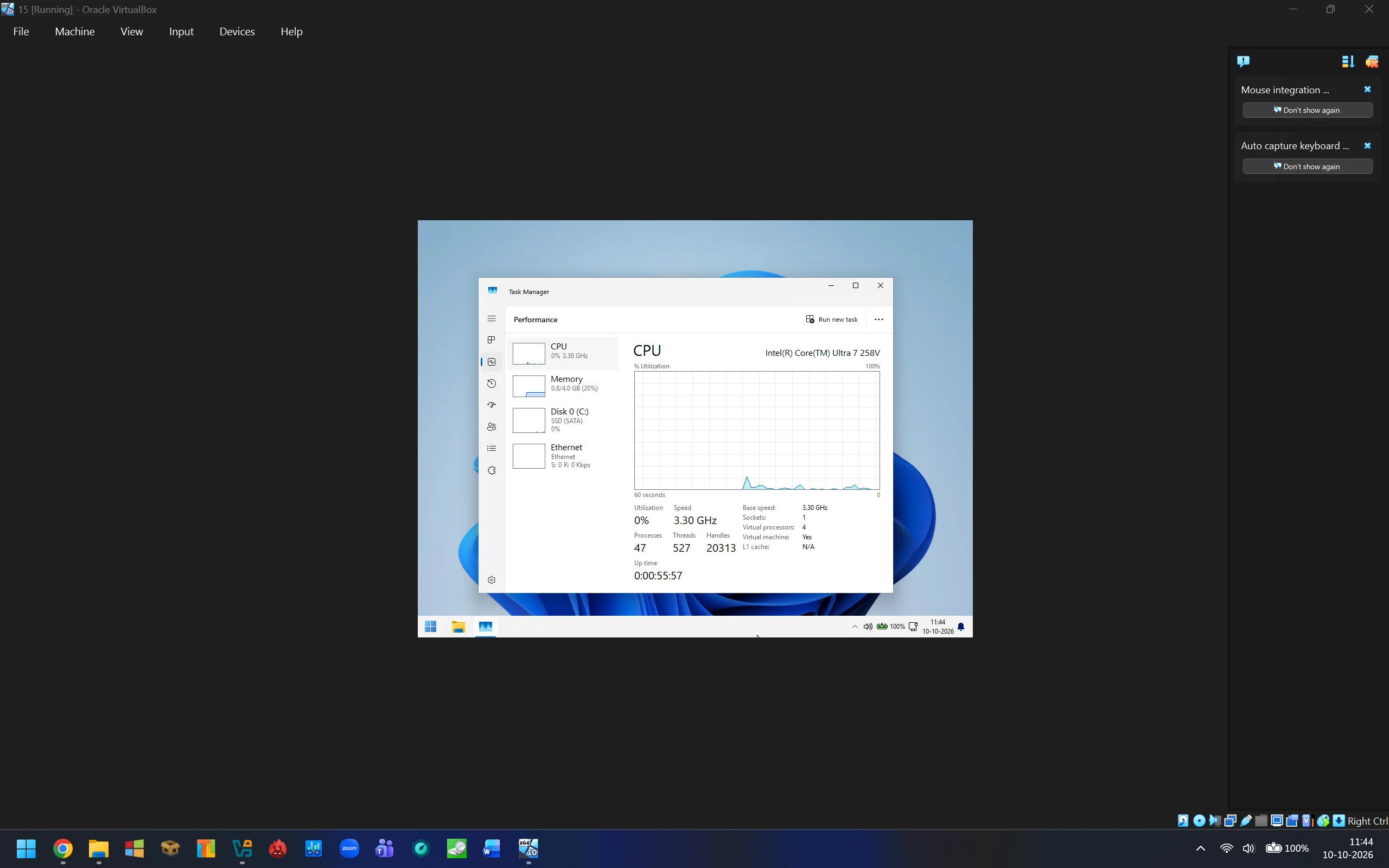
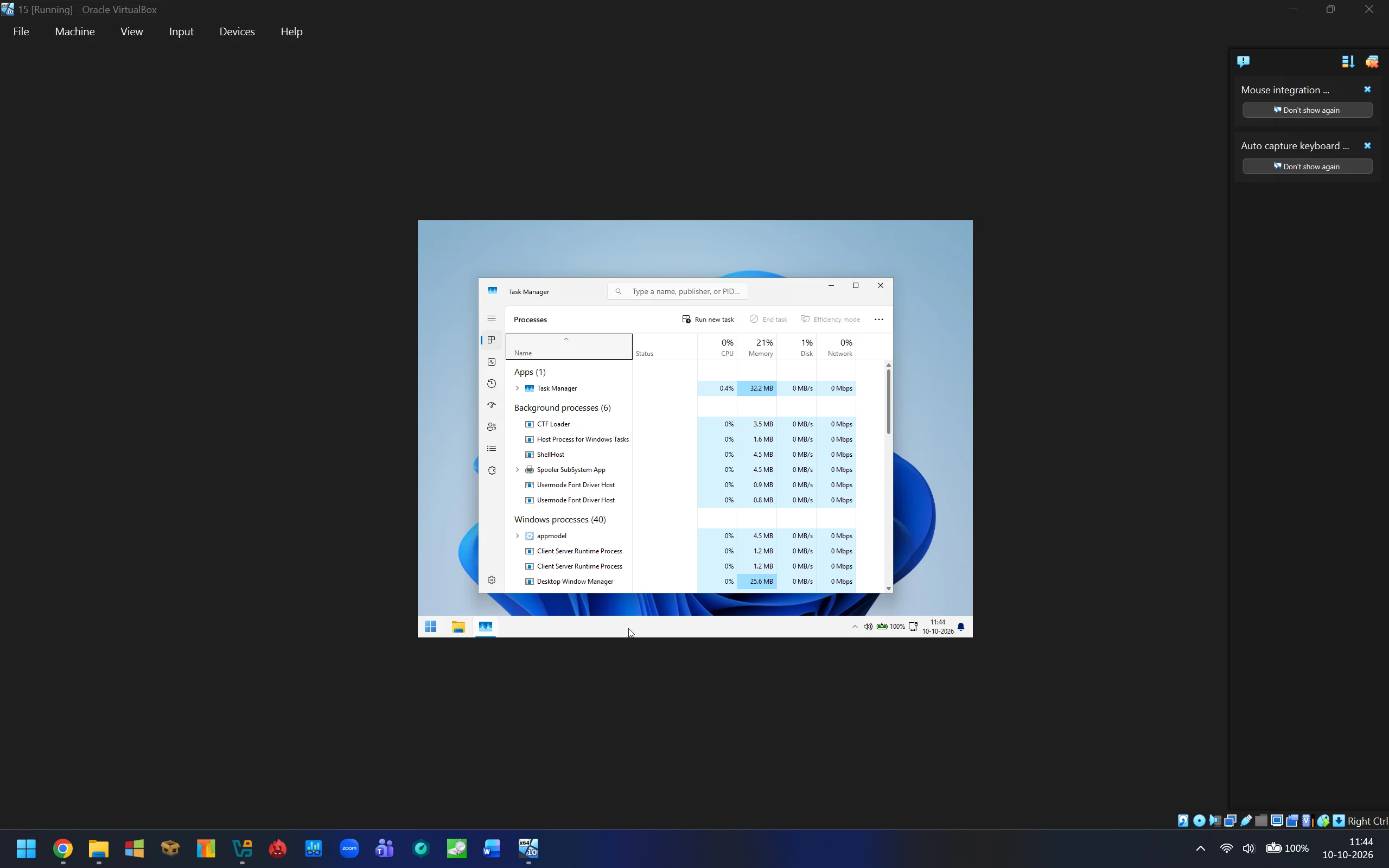
Everything is removed, its a core os with basic app support ( Some apps might not work, as .Net Framework is also stripped down ) with no preloaded apps apart from some system tools like Powershell, Command Prompt, Disk Management, Device Manager, Classic Calculator, Classic Notepad, Classic Paint etc are present.
As requested what is removed, it can be huge list:
As garlin listed, System packages has been removed.
1. System Packages
"Microsoft-Windows-PowerShell-ISE-FOD-Package~",
"Microsoft-Windows-Telnet-Client-FOD-Package~",
"Microsoft-Windows-TerminalServices-AppServer-Client-FOD-Package~",
"Microsoft-Windows-Wifi-Client-Qualcomm-Athw8x-FOD-Package~",
"Microsoft-Windows-Wifi-Client-Realtek-Rtwlane-FOD-Package~",
"Microsoft-Windows-WMIC-FoD-Package~",
"Microsoft-Windows-Wifi-Client-Intel-Netwns64-FOD-Package~",
"Microsoft-Windows-Wifi-Client-Intel-Netwtw02-FOD-Package~",
"Microsoft-Windows-Wifi-Client-Intel-Netwtw08-FOD-Package~",
"Microsoft-Windows-Wifi-Client-Intel-Netwtw10-FOD-Package~",
"Microsoft-Windows-EnterpriseClientSync-Host-FOD-Package-wow64.cab",
"Microsoft-Windows-Notepad-System-FoD-Package~",
"Microsoft-Windows-StepsRecorder-Package-wow64.cab",
"Microsoft-Windows-Wifi-Client-Broadcom-Bcmwl63al-FOD-Package~",
"Microsoft-Windows-Wifi-Client-Qualcomm-Athwnx-FOD-Package~",
"Microsoft-Windows-Wifi-Client-Qualcomm-Qcamain10x64-FOD-Package~",
"Microsoft-Windows-MediaPlayer-Package~",
"Microsoft-Windows-TFTP-Client-FOD-Package~",
"Microsoft-Windows-Wifi-Client-Broadcom-Bcmwl63a-FOD-Package~",
"Microsoft-Windows-Wifi-Client-Intel-Netwew01-FOD-Package~",
"Microsoft-Windows-Wifi-Client-Marvel-Mrvlpcie8897-FOD-Package~",
"Microsoft-Windows-InternetExplorer-Optional-Package~",
"Microsoft-Windows-Kernel-LA57-FoD-Package~",
"Microsoft-Windows-PowerShell-ISE-FOD-Package-wow64.cab",
"Microsoft-Windows-Wifi-Client-Intel-Netwtw04-FOD-Package~",
"Microsoft-Windows-Wifi-Client-Realtek-Rtwlane13-FOD-Package~",
"Microsoft-Windows-Ethernet-Client-Intel-E2f68-FOD-Package~",
"Microsoft-Windows-LanguageFeatures-TextToSpeech-en-us-Package~",
"Microsoft-Windows-SmbDirect-FOD-Package~",
"Microsoft-Windows-TabletPCMath-Package~",
"Microsoft-Windows-Wifi-Client-Intel-Netwlv64-FOD-Package~",
"Microsoft-Windows-Wifi-Client-Realtek-Rtl8192se-FOD-Package~",
"Microsoft-Windows-Wifi-Client-Realtek-Rtwlane01-FOD-Package~",
"Microsoft-Windows-DirectoryServices-ADAM-Client-FOD-Package~",
"Microsoft-Windows-EnterpriseClientSync-Host-FOD-Package~",
"Microsoft-Windows-Hello-Face-Package~",
"Microsoft-Windows-MediaPlayer-Package-wow64.cab",
"Microsoft-Windows-SimpleTCP-FOD-Package~",
"Microsoft-Windows-Wifi-Client-Intel-Netwtw06-FOD-Package~",
"OpenSSH-Client-Package~",
"Microsoft-Edge-WebView-FOD-Package~",
"Microsoft-Windows-Ethernet-Client-Realtek-Rtcx21x64-FOD-Package~",
"Microsoft-Windows-ProjFS-OptionalFeature-FOD-Package~",
"Microsoft-Windows-StepsRecorder-Package~",
"Microsoft-Windows-TerminalServices-AppServer-Client-FOD-Package-wow64.cab",
"Microsoft-Windows-Wifi-Client-Intel-Netwbw02-FOD-Package~",
"Microsoft-Windows-Wifi-Client-Intel-Netwsw00-FOD-Package~",
"Microsoft-Windows-Wifi-Client-Ralink-Netr28x-FOD-Package~",
"Microsoft-Windows-WMIC-FoD-Package-wow64.cab",
"Microsoft-Windows-Ethernet-Client-Intel-E1i68x64-FOD-Package~",
"Microsoft-Windows-LanguageFeatures-Handwriting-en-us-Package~",
"Microsoft-Windows-LanguageFeatures-Speech-en-us-Package~",
"Microsoft-Windows-InternetExplorer-Optional-Package~31bf3856ad364e35",
"Microsoft-Windows-Kernel-LA57-FoD-Package~31bf3856ad364e35~amd64",
"Microsoft-Windows-LanguageFeatures-Handwriting-$languageCode-Package~31bf3856ad364e35",
"Microsoft-Windows-LanguageFeatures-Speech-$languageCode-Package~31bf3856ad364e35",
"Microsoft-Windows-LanguageFeatures-TextToSpeech-$languageCode-Package~31bf3856ad364e35",
"Microsoft-Windows-MediaPlayer-Package~31bf3856ad364e35",
"Windows-Defender-Client-Package~31bf3856ad364e35~",
"Microsoft-Windows-WordPad-FoD-Package~",
"Microsoft-Windows-MSPaint-FoD-Package~",
"Microsoft-Windows-SnippingTool-FoD-Package~",
"Microsoft-Windows-Xps-Xps-Viewer-Opt-Package~",
"*IME-ja-jp*",
"*IME-ko-kr*",
"*IME-zh-cn*",
"*IME-zh-tw*",
"Microsoft-Windows-Hello-BioEnrollment-Package~",
"Microsoft-Windows-BitLocker-DriveEncryption-FVE-Package~",
"Microsoft-Windows-TPM-WMI-Provider-Package~",
"Microsoft-Windows-Narrator-App-Package~",
"Microsoft-Windows-Magnifier-App-Package~"
2. Aggressive manual file deletions ( My hand picked features, folders, files and also dll's based on requirement , needs and experience on what to delete, I have been doing this since 2011 )
How its done, I cant explain each and every folder, its files and Dll's but in short I start finding features by going folder by folder its all starts with basic idea for whom this version is and its features.
For example i used to release multiple versions of Windows 7 , 8, 8.1, 10 & 11 in these variants
Slim: This version is for Folks who are interested in Complete Windows Desktop Environment Features where windows can not be updated as winsxs is removed, no Windows Store & no Windows 10 Universal Apps, everything else is intact.
Extreme: This version is for Folks who are interested in Stable yet heavily stripped down Windows Desktop Environment, has Stock Dot Net Framework.
Barebones: This version is for Folks who are enthusiasts & interested in Experimental Windows Desktop Environment, has Stripped down Dot Net Framework.
Barebones Dot Net Framework 4.0 Only: This version is for folks who doesn't use Software based on Dot Net Framework 2.0, 3.0 & 3.5.
New Laptops: I have kept the hardware features intact such as Windows Hello Bio-metric reader & IR webcam features, Touch & Pen support.
Old Laptops: the above mentioned new laptop features has been removed.
Core OS: Just a Core OS with Portable Classic Notepad, Paint & Calculator everything else is removed including a lot of system Dll's.
So this current Micro 11 Barebones Powershell Script is an amalgamation of these versions with
Barebones Dot Net Framework 4.0 Only, This version is for Folks who are enthusiasts & interested in Experimental Windows Desktop Environment with no Universal Windows Platform (UWP) support and
has Stripped down Dot Net Framework ( Some software might not work ) and at the same time who doesn't use Software based on Dot Net Framework 2.0, 3.0 & 3.5. Along with
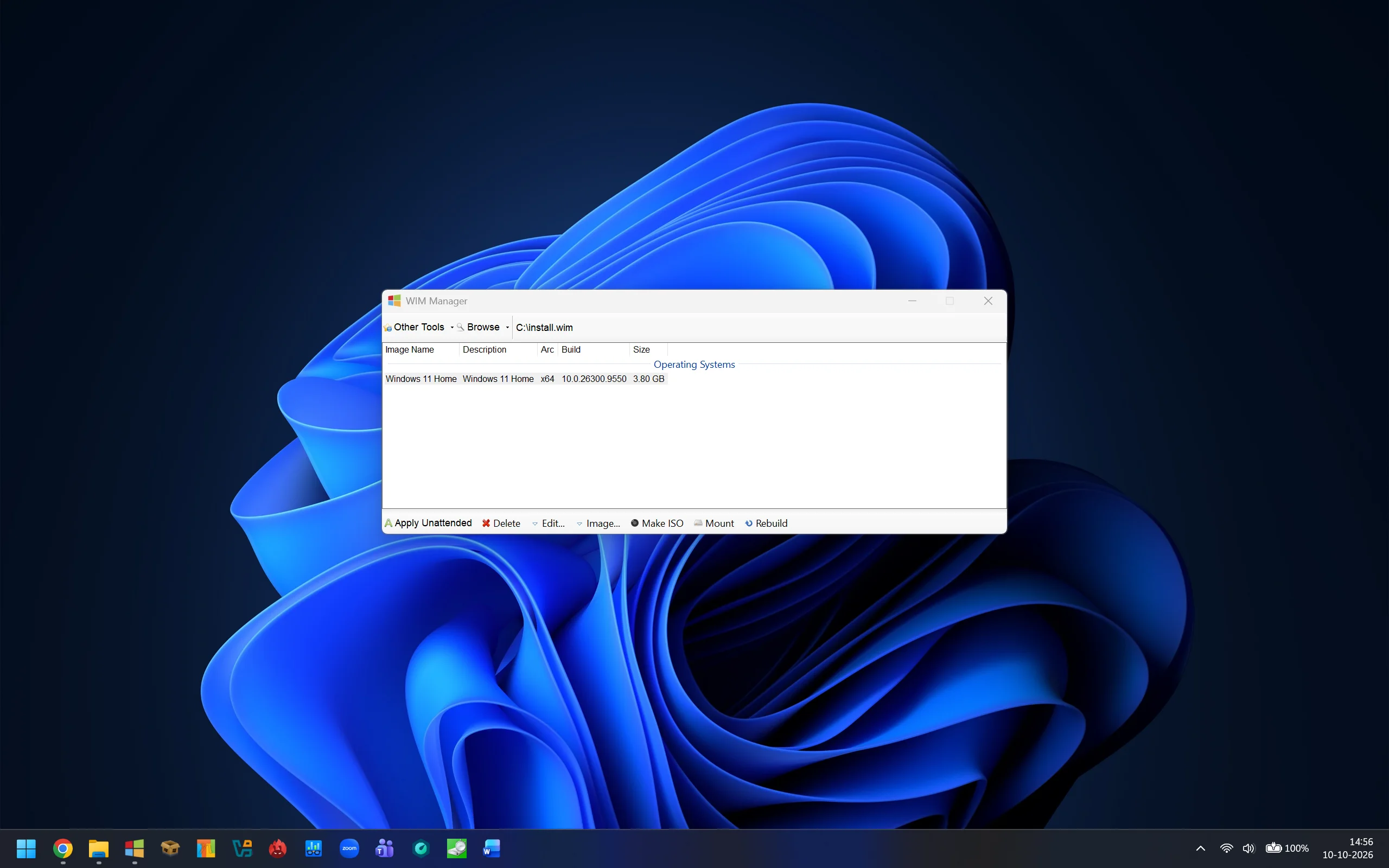
Core OS features like Portable Classic Notepad, Paint & Calculator everything else is removed including a lot of system Dll's. One more thing to note down is 99% Winsxs is removed, so dont expect windows update to work. Search works in file explorer but not in Start menu, as this feature search in start menu is linked with or in technical language has a dependency with get started app and backup app, which makes start menu ugly, but its upto you can customize it in your own way. All
New laptop features has been removed such as Windows Hello Bio-metric reader & IR webcam features, Touch & Pen support. One more important thing to notify, I have made the installation unattended at start it justs asks for Disk and partition for installation and then later in oobe its ask for Naming the Computer. So for people who want to select region time zone currency format and also keyboard language doesnt work during installation, you have to change it once you are on the desktop.
I am hopeful that i have explained what to expect from this script. If you want technical information like what has been removed just go through the script by opening it in a notepad.
To simplify what has been removed First step in the script is to Taking Ownership of the folders Program Files, Program Files (x86), ProgramData, Users & Windows ⟶ Removal of System packages ( check Script for what has been removed, also listed above) ⟶ Agressive Manual File Deletions ( Logic Explained above) ⟶ WinSxS Reduction ⟶ Registry Tweaks Applied ( AutoUnattended.xml is embedded in C# code here, TakeOwnership.cmd file is craeted here and sits in System32, its important to take ownership of the folders without any errors ) ⟶ Windows Services Tweaked ⟶ Custom File or Applications Injection like Classic Calculator, Notepad & Paint ⟶ Extensive Registry Cleanup for Install wim ( there is a lot to clean ) ⟶ Boot Wim Agressive Manual File Deletions ⟶ Boot Wim Extensive Registry Cleanup ⟶ Wim to ESD conversion ⟶ ISO Manual File Cleanup ⟶ ISO creation ⟶ Temporary File Cleanup ⟶ End