With the
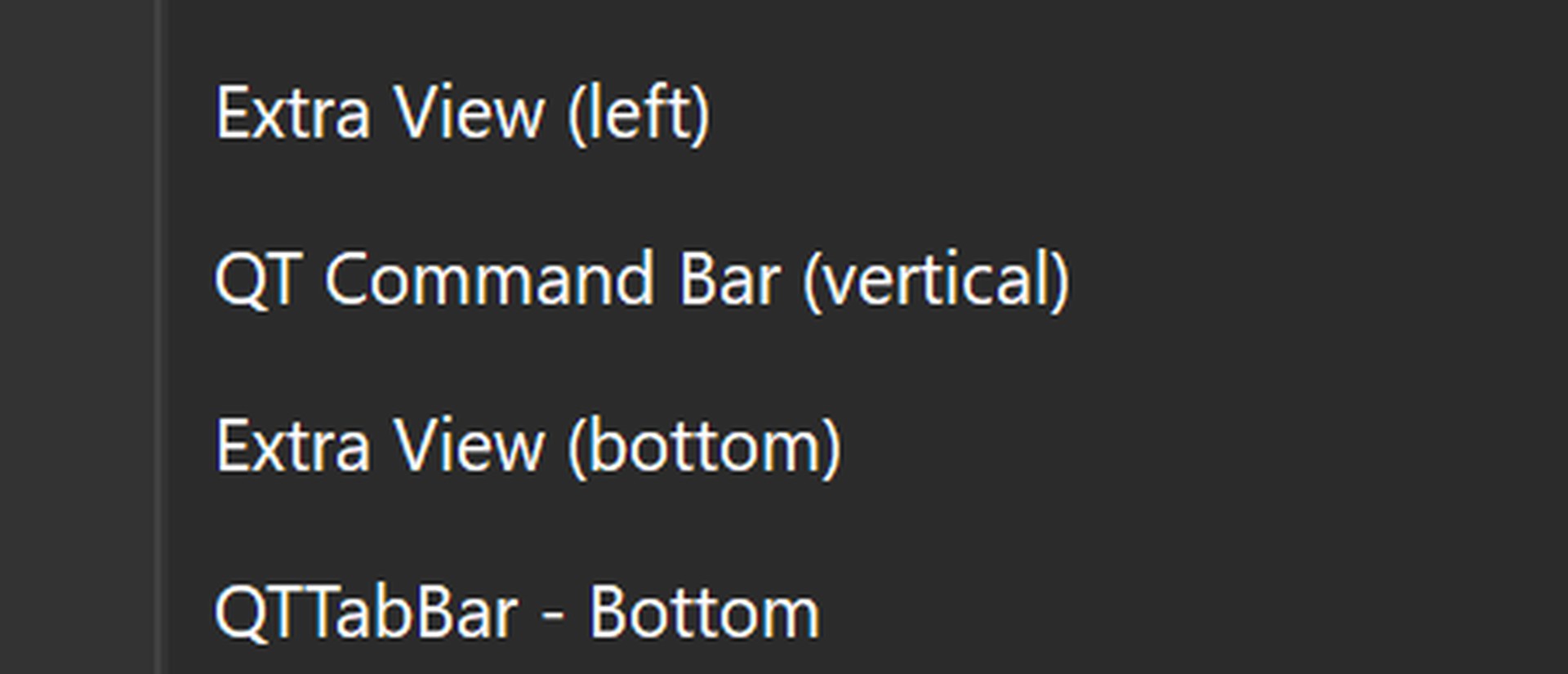
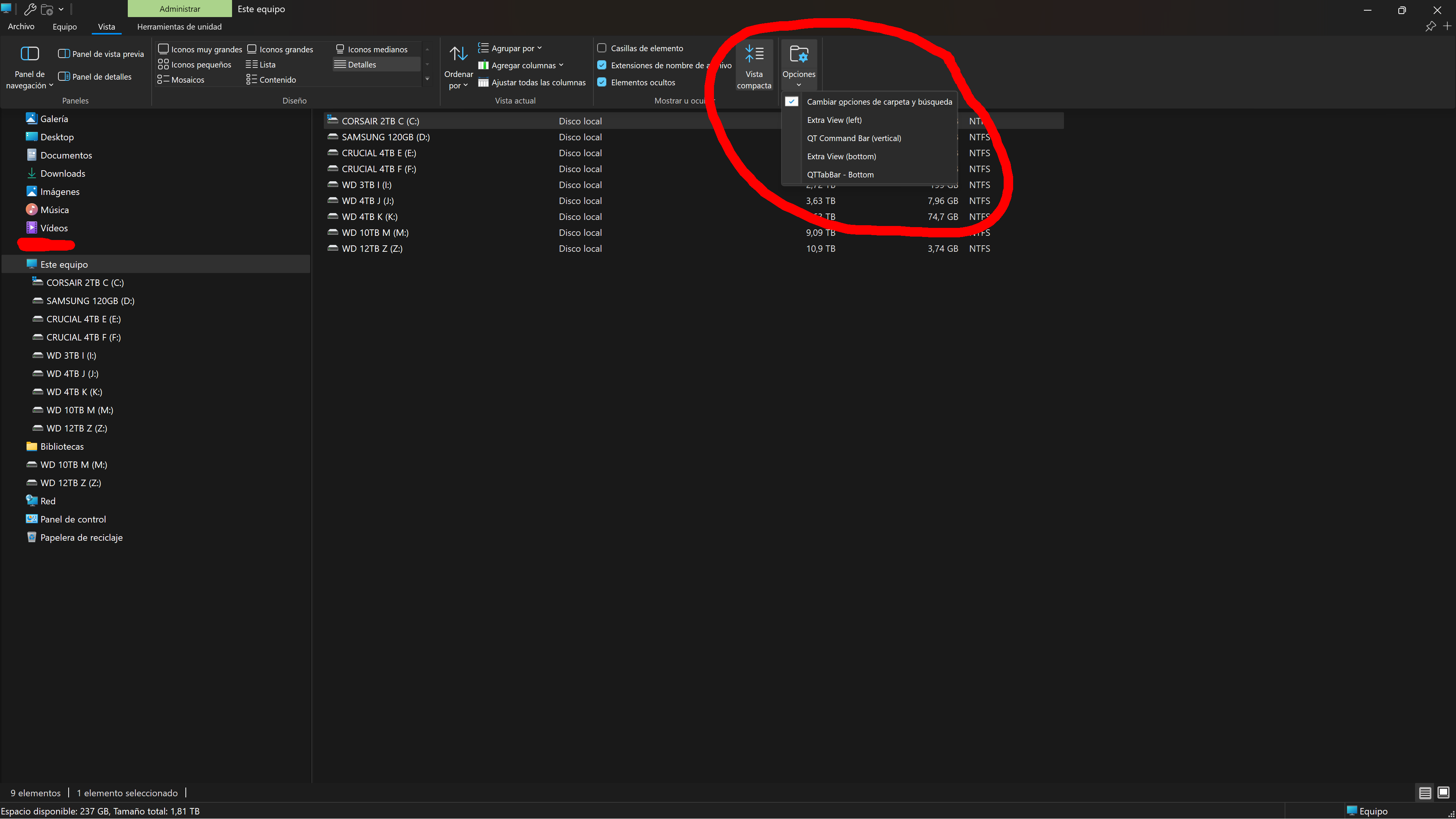
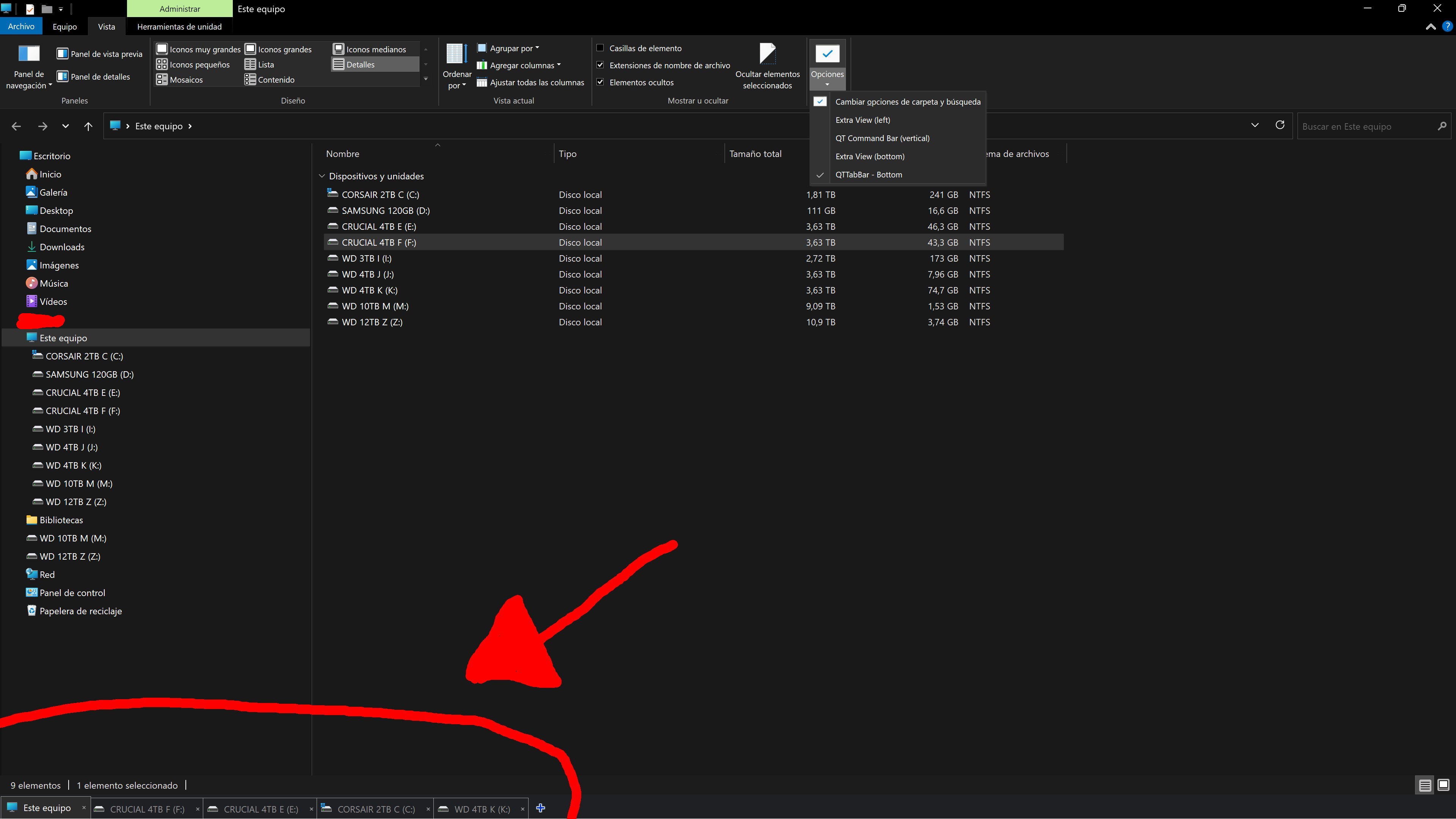
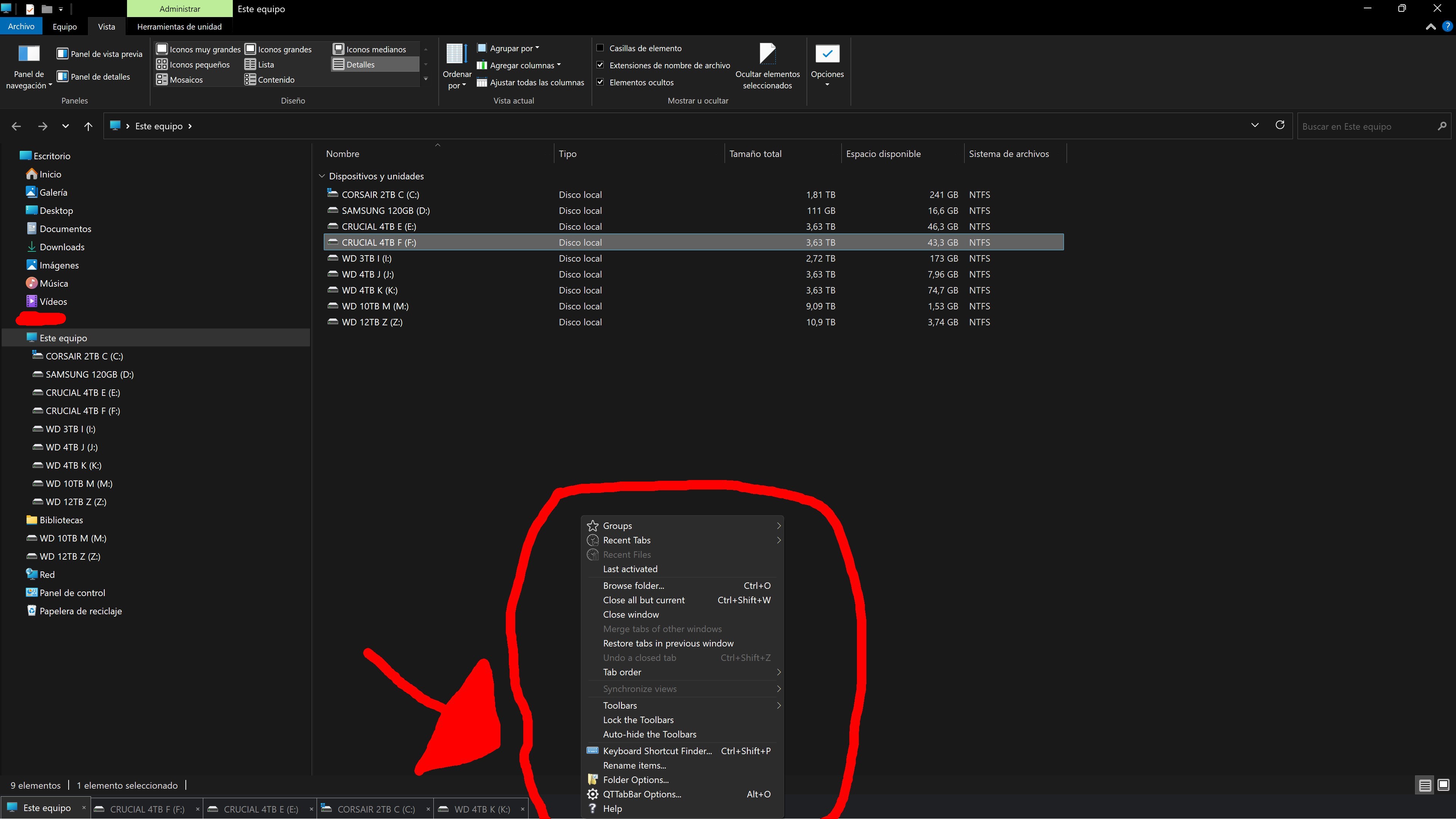
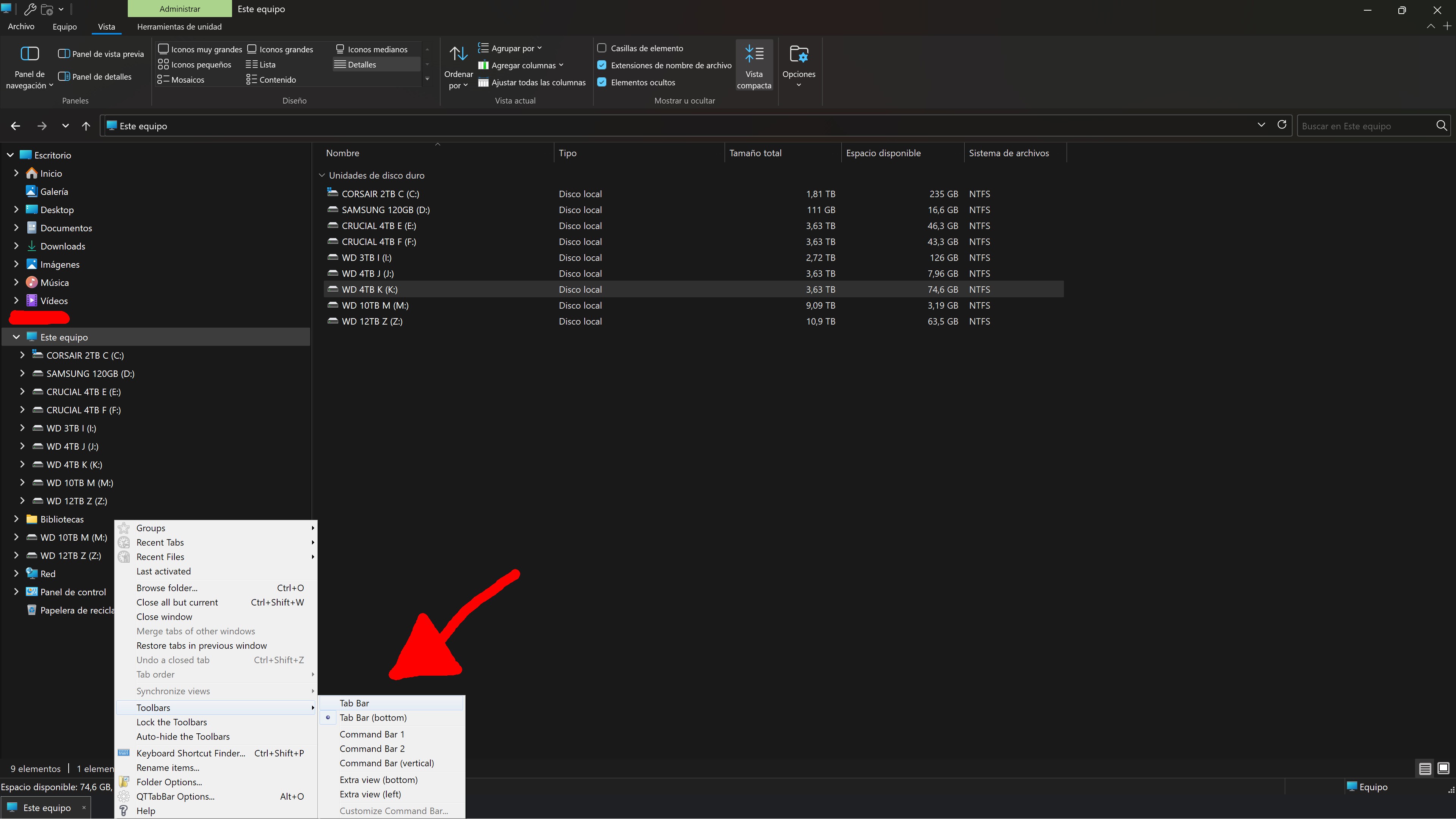
Tab Bar (bottom) working, open a few desired tabs, open the right click menu>Toolbars>switch it to
Tab Bar...
View attachment 155378
If the Tab Bar has moved to the top, open the right click menu again, expand Groups then Create a Group from All Tabs, (the active tab will be the group title)...
View attachment 155379
Lock the Toolbars...,
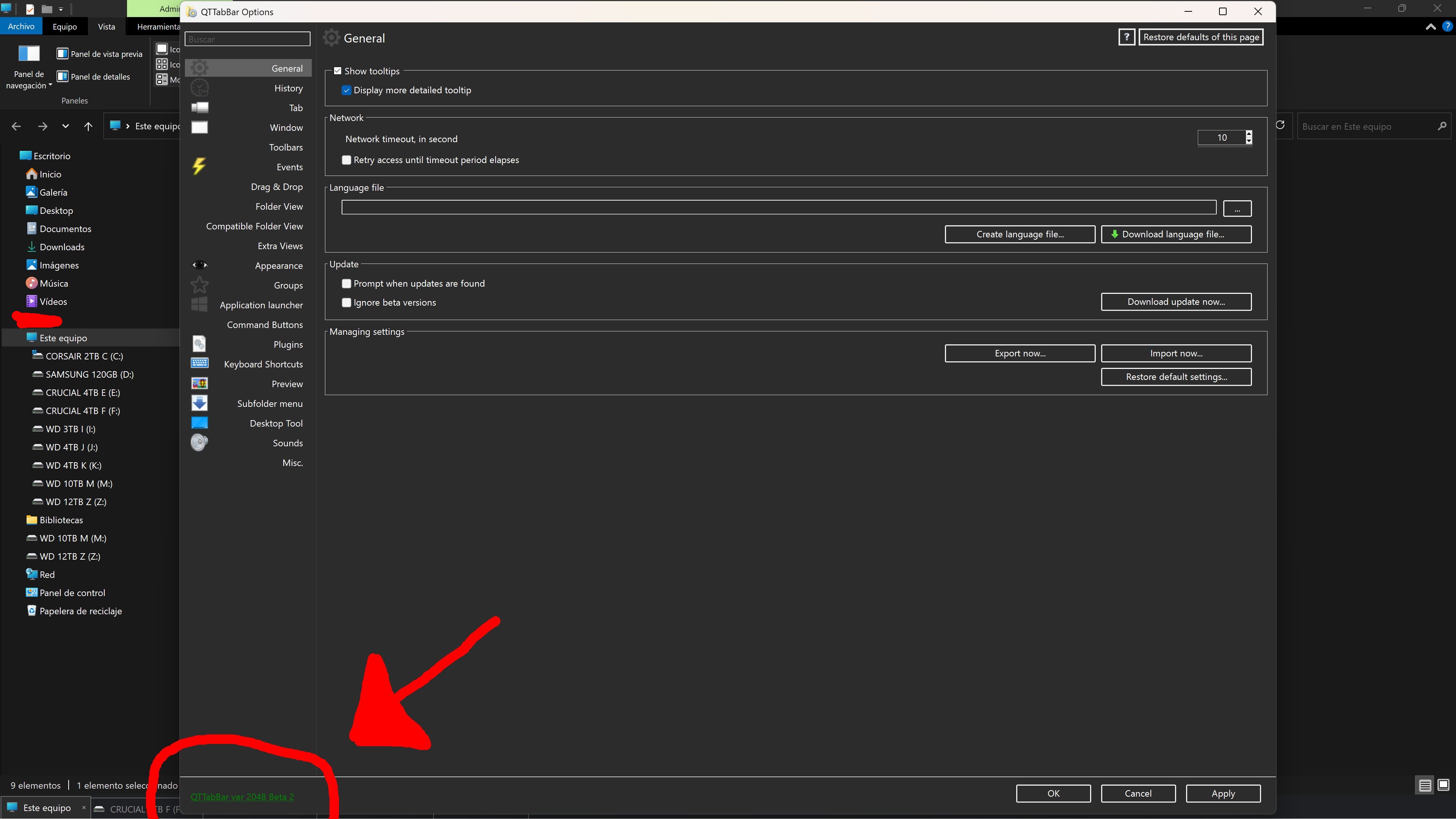
While you have the menu open, open QTTabBar Options and go through all the Settings to see if there may be any conflicting settings.
Pay no mind to the Windows Options Menu at the top, for some reason it won't honor the choices made in the QTTabBar
mother menu!
View attachment 155380
Keep playing with it til you've got all the Settings the way you want and there are no conflicts.



 Will I have to format Windows?




 Supercharge Windows 11's File Explorer: Auto-convert windows to tabs, duplicate tabs, reopen closed ones, and more!






