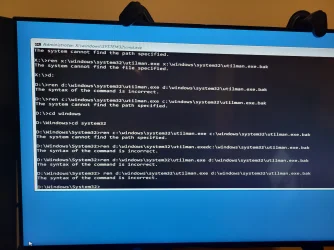
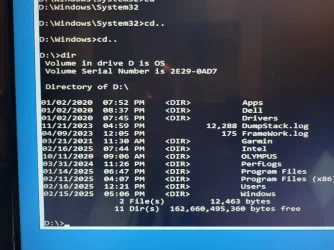
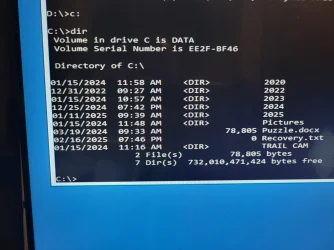
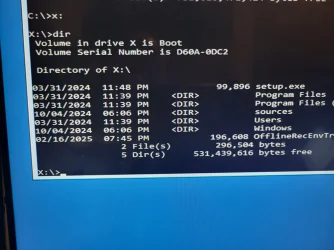
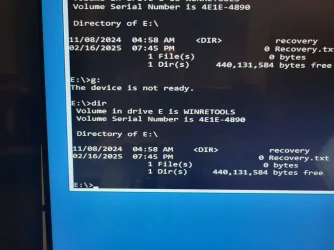
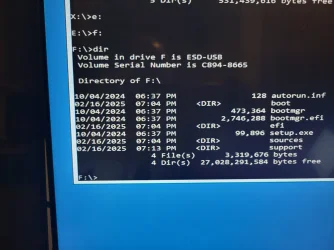
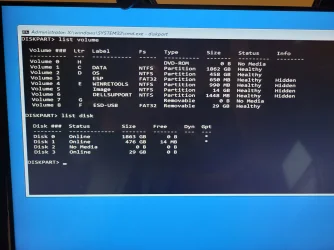
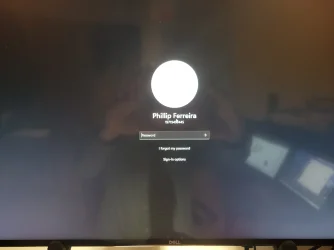
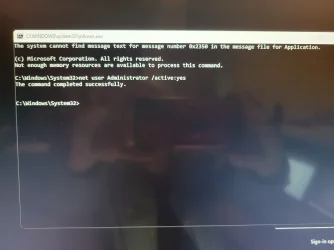
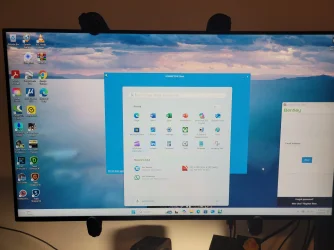
since you have a windows installation usb ready now, you can try this:
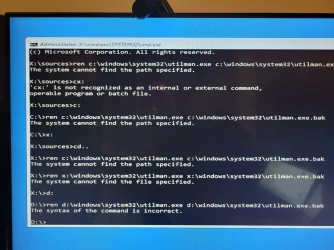
Boot your computer from a Windows installation media > repair > command prompt (again)
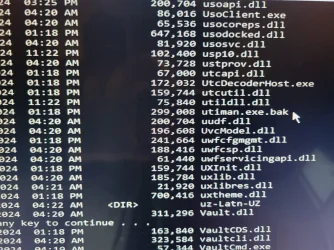
run the commands below one after the other (hit Enter on each line) to replace the utilman.exe file with the cmd.exe file.
Code:ren c:\windows\system32\utilman.exe c:\windows\system32\utilman.exe.bakCode:copy c:\windows\system32\cmd.exe c:\windows\system32\utilman.exeboot back to windows logon screen and let me know when thereCode:exit
Attachments
My Computer
At a glance
windows 11 proIntel(R) Core(TM) i7-9700K CPU @ 3.60GHz64GBNVIDIA GeForce RTX 2060
- OS
- windows 11 pro
- Computer type
- PC/Desktop
- Manufacturer/Model
- Dell XPS 8930
- CPU
- Intel(R) Core(TM) i7-9700K CPU @ 3.60GHz
- Memory
- 64GB
- Graphics Card(s)
- NVIDIA GeForce RTX 2060
- Monitor(s) Displays
- 2
- Hard Drives
- 2TB HDD / 512GB SSD
- Internet Speed
- TDS 1GB