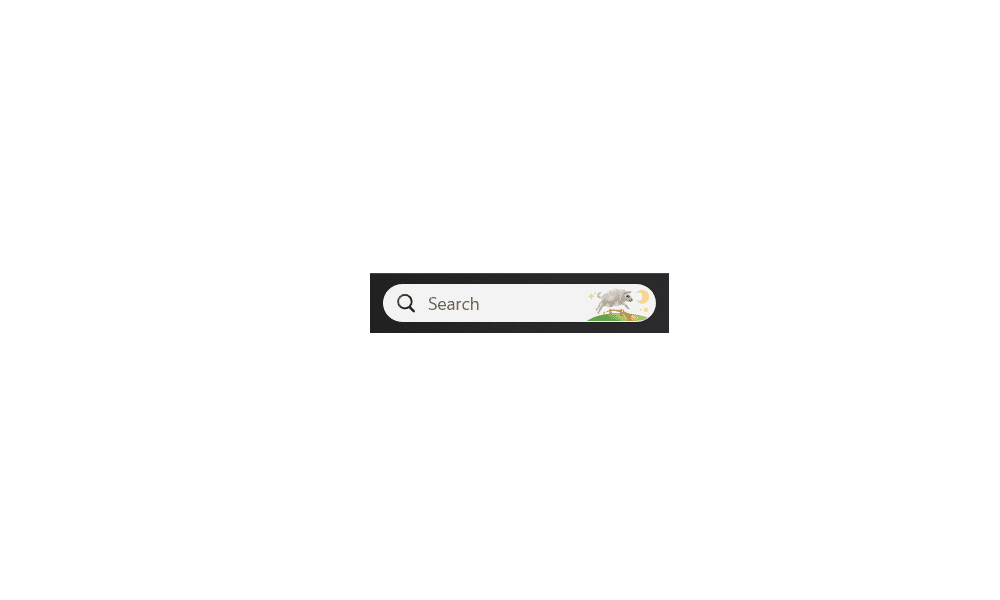
See brinks tutorials here to turn off ads in the search menu:
 www.elevenforum.com
See brinks tutorial here to turn off ads in the widgets:
(This makes it look like desktop gadgets from windows vista and 7!)
 www.elevenforum.com
You can also do this tutorial to disable all ads:
 www.elevenforum.com
I never knew about these, and it made these features a lot more useful to me. Usually I am good at finding settings on my own, but I must admit once I saw all the ads I just gave up on it and turned it all off.
But you can actually use them and they are useful! Like so:
Search icon:

Widgets:

Enable or Disable Search Highlights in Windows 11
This tutorial will show you how to enable or disable the Search Highlights graphics icon on the taskbar Search Box for your account or all users in Windows 11. Search Highlights will show an icon or graphics on the right side of the Search Box on the task bar by default. Starting with Windows...
www.elevenforum.com
See brinks tutorial here to turn off ads in the widgets:
(This makes it look like desktop gadgets from windows vista and 7!)
Enable or Disable Feed on Widgets Board in Windows 11
This tutorial will show you how to enable or disable news feeds on the widgets board for your account in Windows 11. Widgets in Windows are interactive elements that display dynamic content and provide quick access to various apps and features. You can view your location's current weather...
www.elevenforum.com
You can also do this tutorial to disable all ads:
Disable Ads in Windows 11
This tutorial will show you different ways to disable ads showing for your account in Windows 11. Windows 11 includes ads by default in the form of Microsoft promoting its own services and apps. These ads can include fun facts, tips, tricks, recommendations, and suggestions within the UI of...
www.elevenforum.com
I never knew about these, and it made these features a lot more useful to me. Usually I am good at finding settings on my own, but I must admit once I saw all the ads I just gave up on it and turned it all off.
But you can actually use them and they are useful! Like so:
Search icon:
Widgets:
Last edited:
My Computers
System One System Two
-
- OS
- Windows 11 Pro
- Computer type
- PC/Desktop
- Manufacturer/Model
- Custom Built
- CPU
- Ryzen 7 5700 X3D
- Motherboard
- MSI MPG B550 GAMING PLUS
- Memory
- 64 GB DDR4 3600mhz Gskill Ripjaws V
- Graphics Card(s)
- RTX 4070 Super , 12GB VRAM Asus EVO Overclock
- Monitor(s) Displays
- Gigabyte M27Q (rev. 2.0) 2560 x 1440 @ 170hz HDR
- Hard Drives
- 2TB Samsung nvme ssd
4TB Western Digital nvme ssd
- PSU
- CORSAIR RMx SHIFT Series™ RM750x 80 PLUS Gold Fully Modular ATX Power Supply
- Case
- CORSAIR 3500X ARGB Mid-Tower ATX PC Case – Black
- Cooling
- ID-COOLING FROSTFLOW X 240 CPU Water Cooler
- Keyboard
- Logitech G213
- Mouse
- Logitech G203
- Internet Speed
- 1.2gbps Fiber

-
- Operating System
- Chrome OS
- Computer type
- Laptop
- Manufacturer/Model
- HP Chromebook
- CPU
- Intel Pentium Quad Core
- Memory
- 4GB LPDDR4
- Monitor(s) Displays
- 14 Inch HD SVA anti glare micro edge display
- Hard Drives
- 64 GB emmc